108
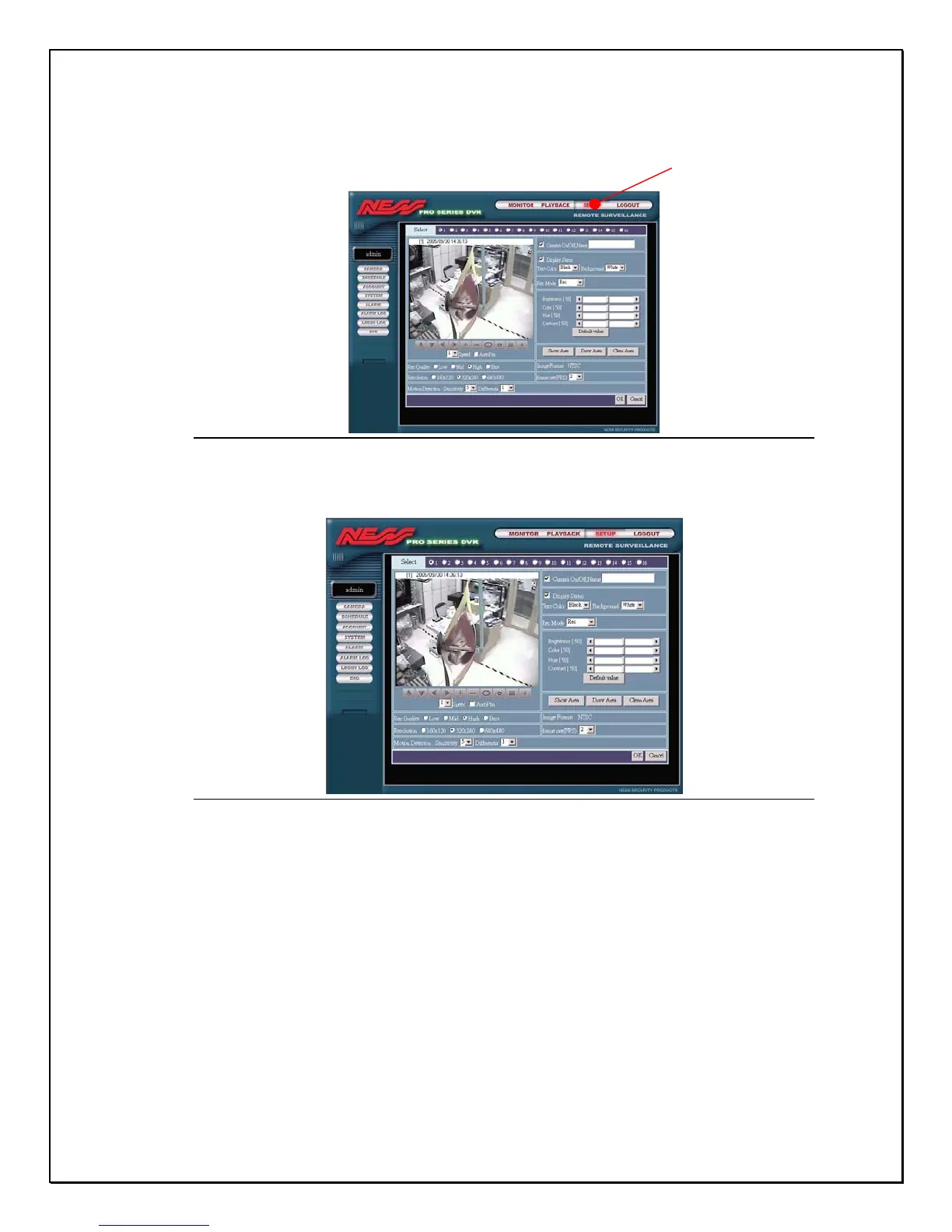
1. On the Main Remote Screen click Setup
Figure 15-10: Main Remote Screen for Setup
2. The first screen is the Camera setup browser window
Figure 15-11: The Remote Camera Configuration Screen
All remote functionality is similarly setup as the local machine. The only
difference is the way the interface looks. On the left side of the main viewing area
are the links to all the setup functions. Clicking on each of them will link you to
the respective functions. Select a camera and various other parameters from the
drop-down list.
Setu
Lin



 To Next Page