109
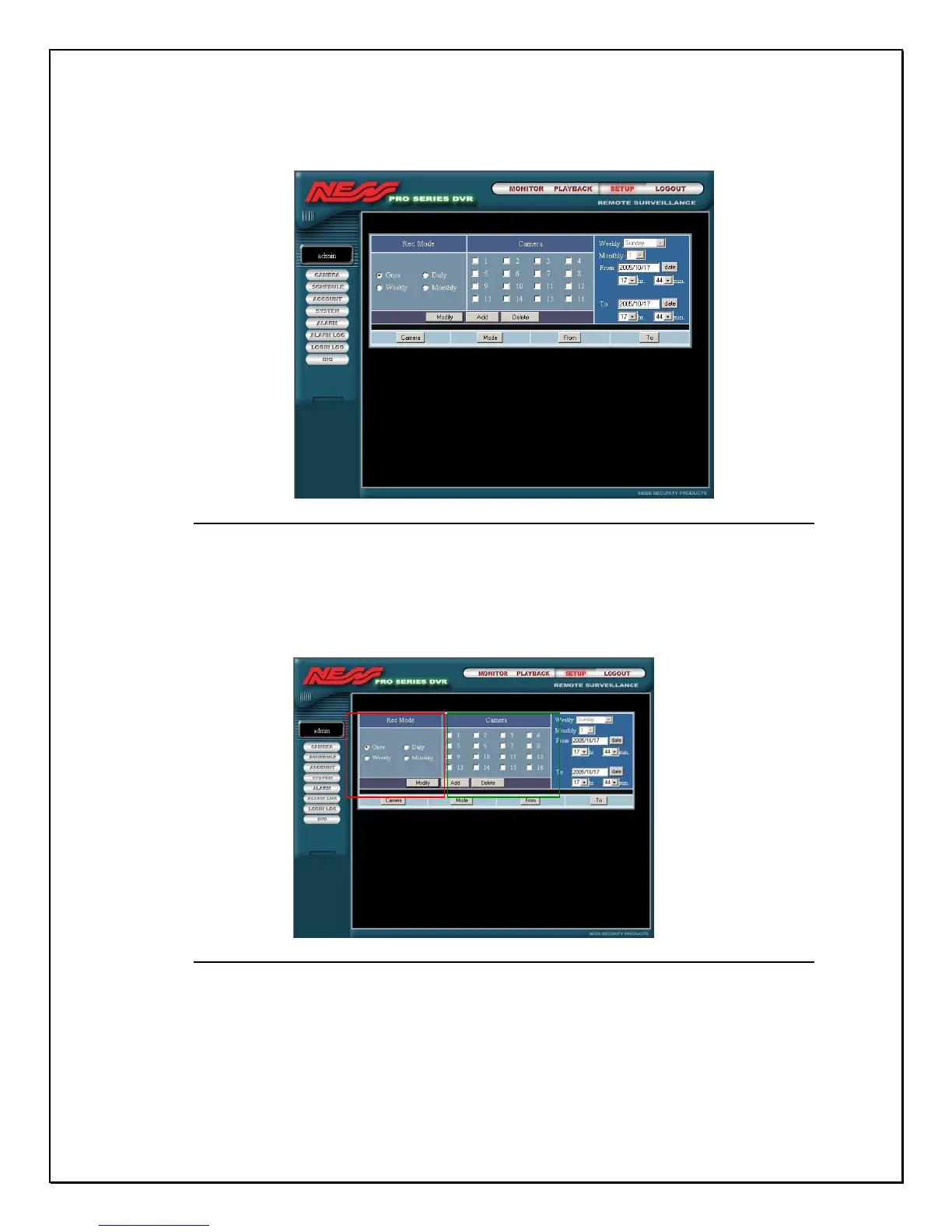
3. Click the Schedule link to view the Remote Schedule Settings
Figure 15-12: Remote Schedule Screen
The remote schedule screen is divided into various parts for easy configuration.
Select the recording mode, and cameras to start the configuration.
Figure 15-13: Remote Scheduling
4. Select the “date” icon. A pop-up calendar will appear.



 To Next Page