123
Taking a Snapshot
The PRO SERIES DVR gives users the opportunity to take pictures of recorded
data. While viewing the playback image, there might be a time when you would
like to take snapshots of video and print it out. In order to do this:
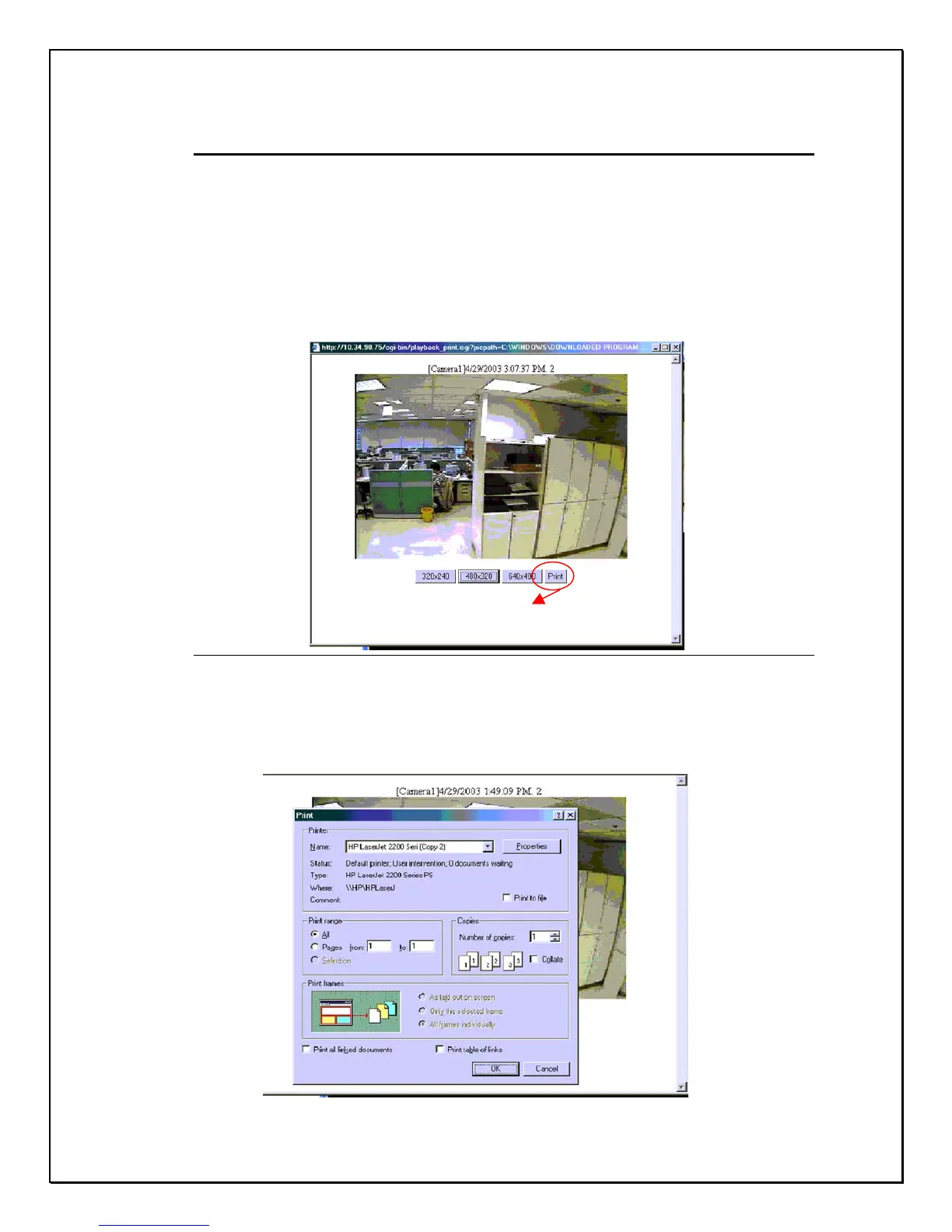
1. Click the Snapshot button
2. From the pop-up window, select the resolution size of your print. The
system provides three resolutions, 320x240, 480x320 and 640x480.
Figure 15-33: Snapshot Resolution
3. Choose the resolution and click Print. You will be prompted to select a
printer.
Press the “Print” button



 To Next Page