124
Figure 15-34: Printer Selection
4. Select your printer and click OK
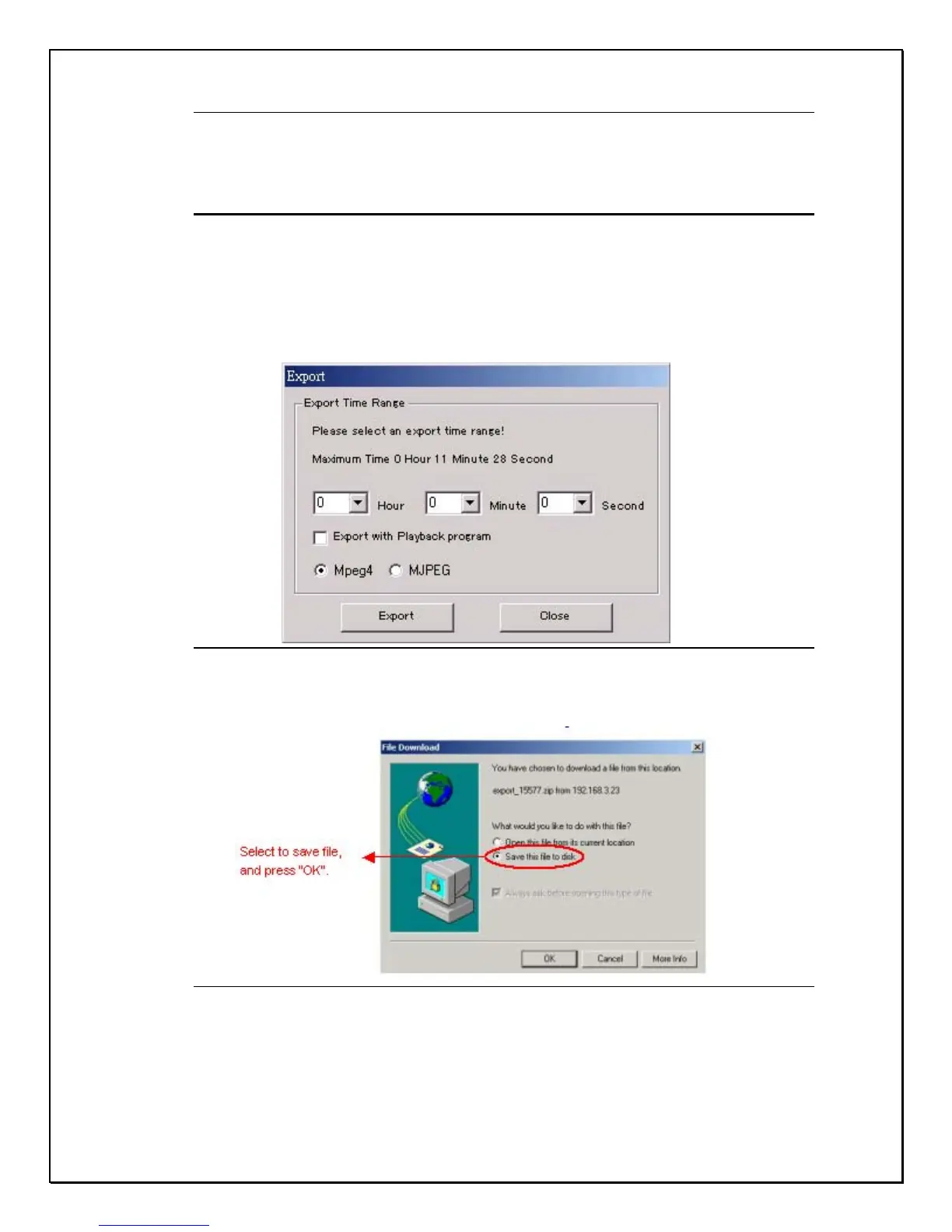
Exporting an Image
Exporting an image allows users to access images from the hard disk and save it
onto your local hard drive.
1. Click the Export button
2. Select an exporting duration
Figure 15-35: Export Duration
3. Click “Save this file to disk” and click OK
Figure 15-36: Save to disk
4. Choose the location and click save.



 To Next Page