126
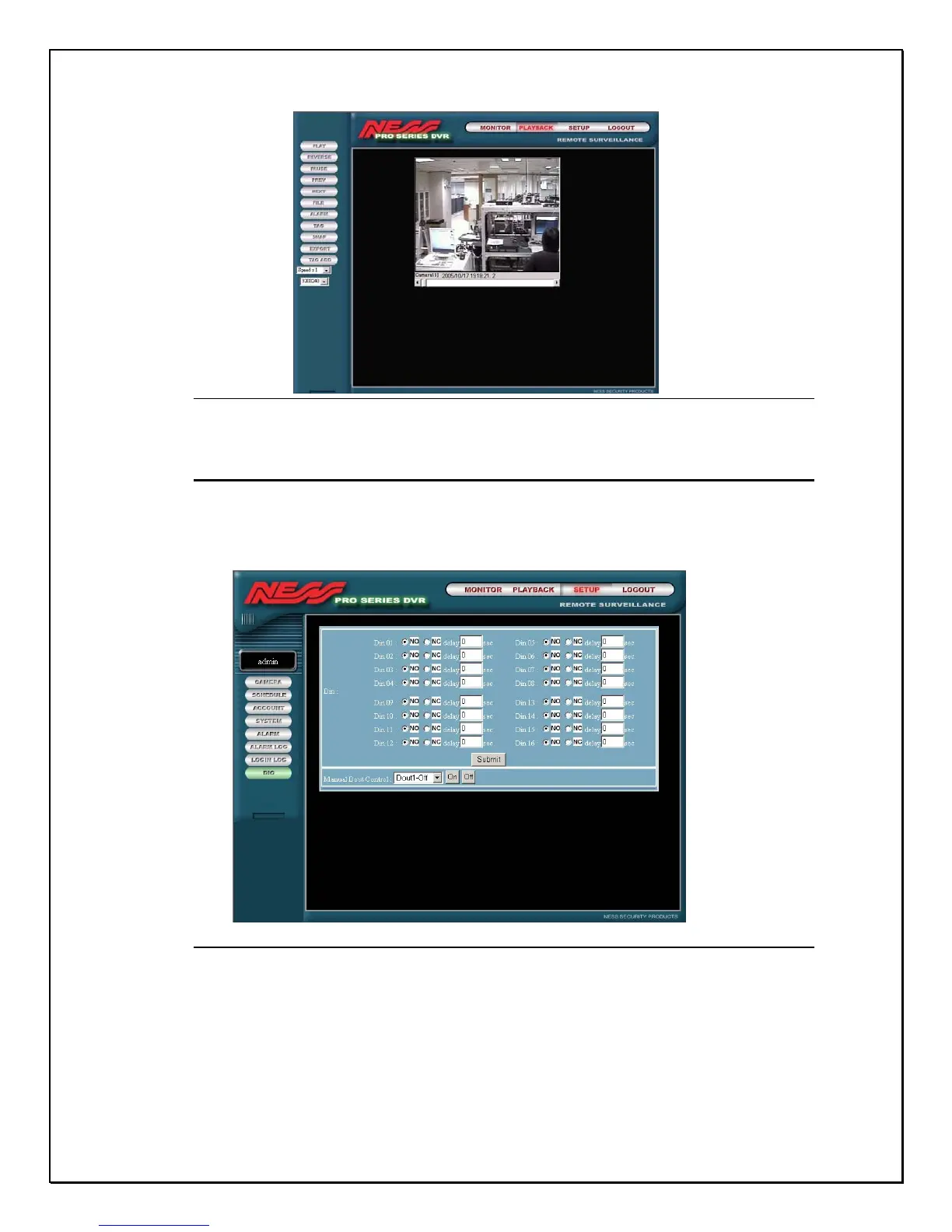
Figure 15-40: The Tagged playback file
Remote GPIO Settings
The operation on remote GPIO is the same with local settings on DVR host.
Once you have added all the GPIO modes, click “ OK” in the right corner to save
the changes to the DVR Host and make them effective.
Figure 15-41: Remote GPIO Screen
After completing all the settings or after using this function, click “Main” to use
other remote functions. Or you can click “ Log-out” to leave remote monitoring
system.



 To Next Page