36
Figure 4-4: Camera Text & Background Colour Icons
Adjusting Picture Quality
• Under “Adjustment” users can use the slide bar to set various settings for
i. “Hue” - Is the attribute of colours that permits them to be classed as red, yellow,
green, blue.
ii. “Saturation” – Is the degree of difference from the achromatic light-source of
colour intensity.
iii. “Brightness” – Is the attribute of light-source by which emitted light is ordered
continuously from light to dark.
iv. “Contrast” – Is to compare or appraise in respect to differences
While changes are made the camera image is automatically updated. To return to previous
settings click on “Default”
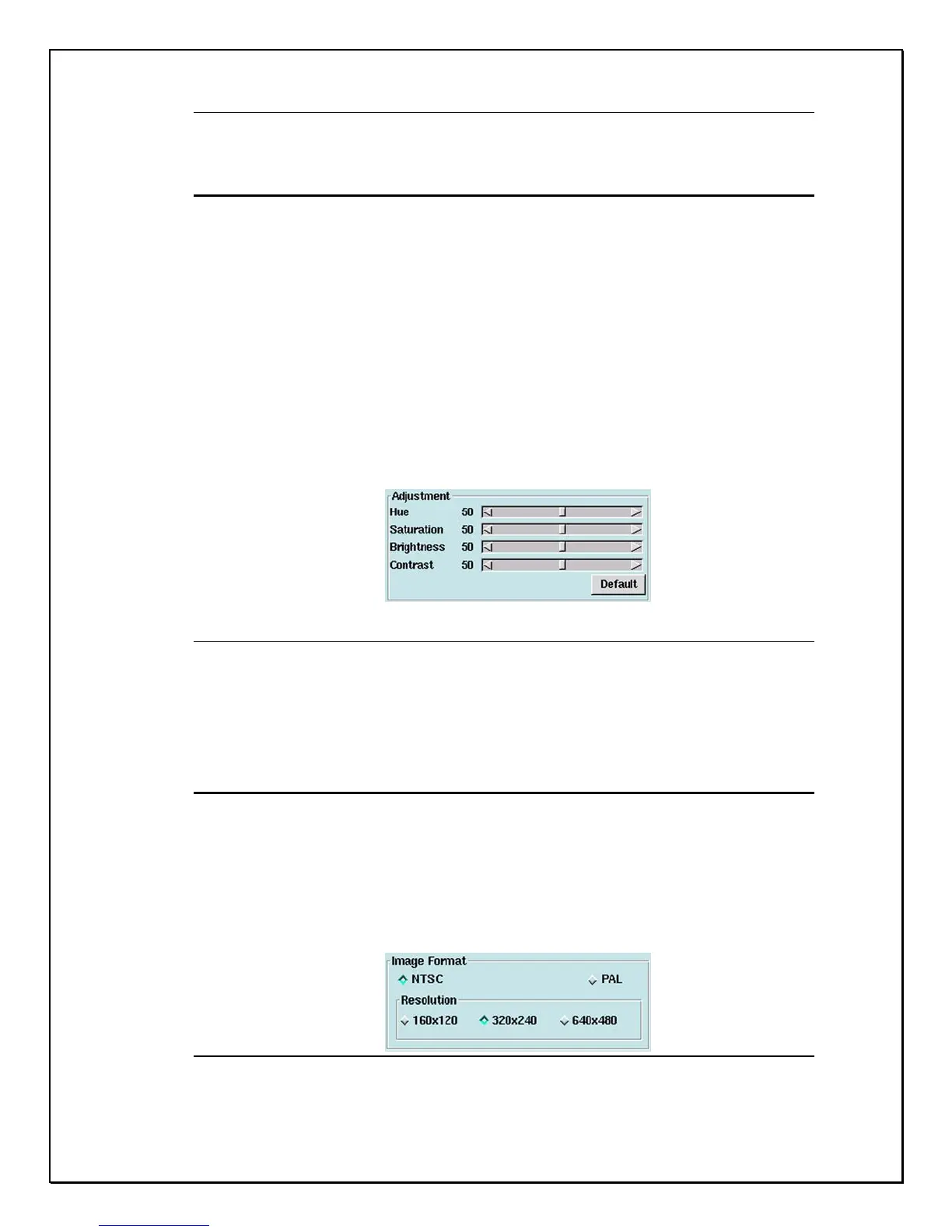
Figure 4-5: Camera Colour Contrasting
Setting Image Format
• Under “Image Format” selections:
i. “NTSC”: Three settings - (160x120, 320x240, or 640x480).
ii. “PAL”: Three Settings - (176x144, 352x288, or 704x576)
Figure 4-6: Image Format Selection Field



 To Next Page