37
Setting Recording Quality
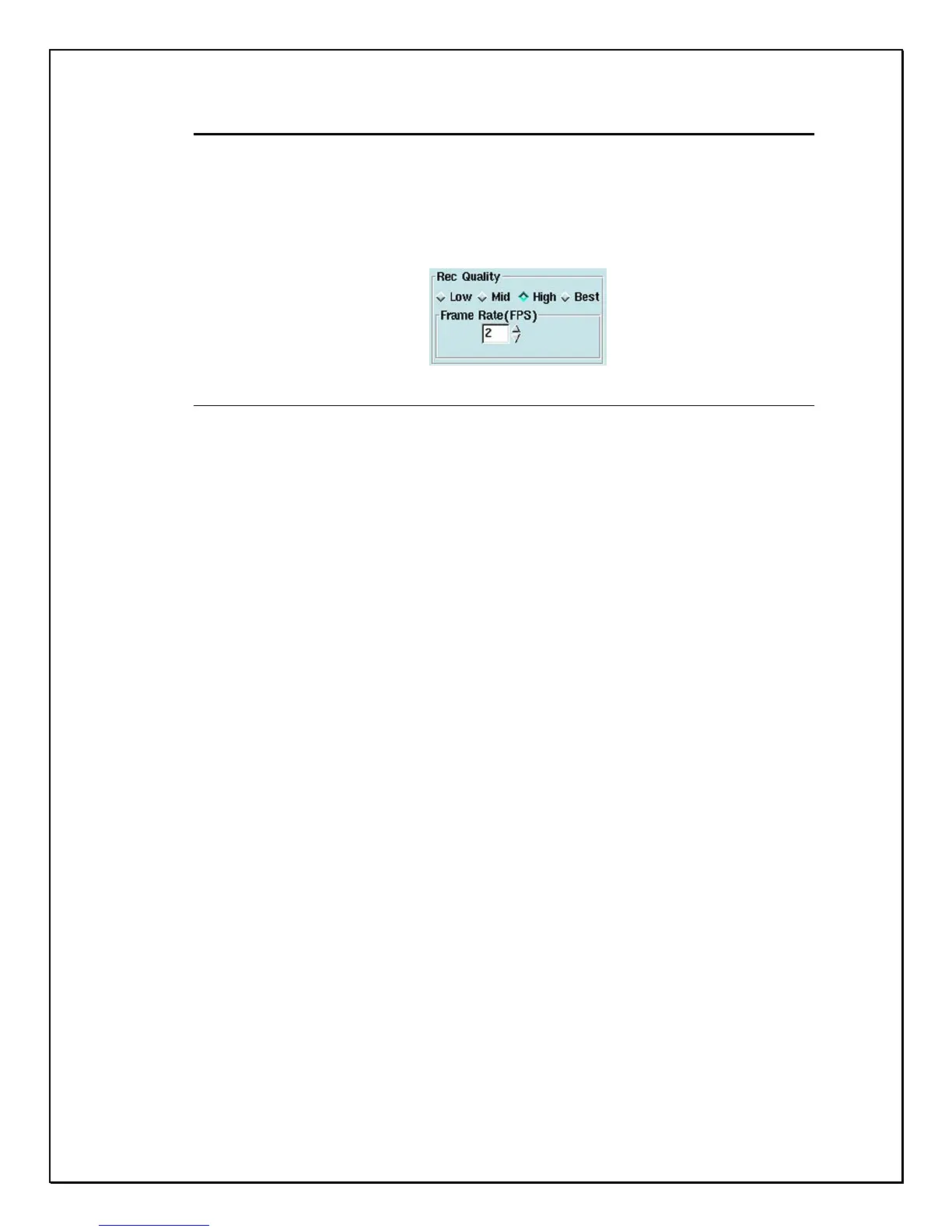
Under “Recording Quality”, there are four choices: Low, Medium, High and Best. Low
produces highly compressed low image quality and Best offers high image quality.
Here you can select the quality and frame rate of each camera.
Figure 4-7: Recording Quality and Frame Rate (FPS) Frame Per Second.



 To Next Page