70
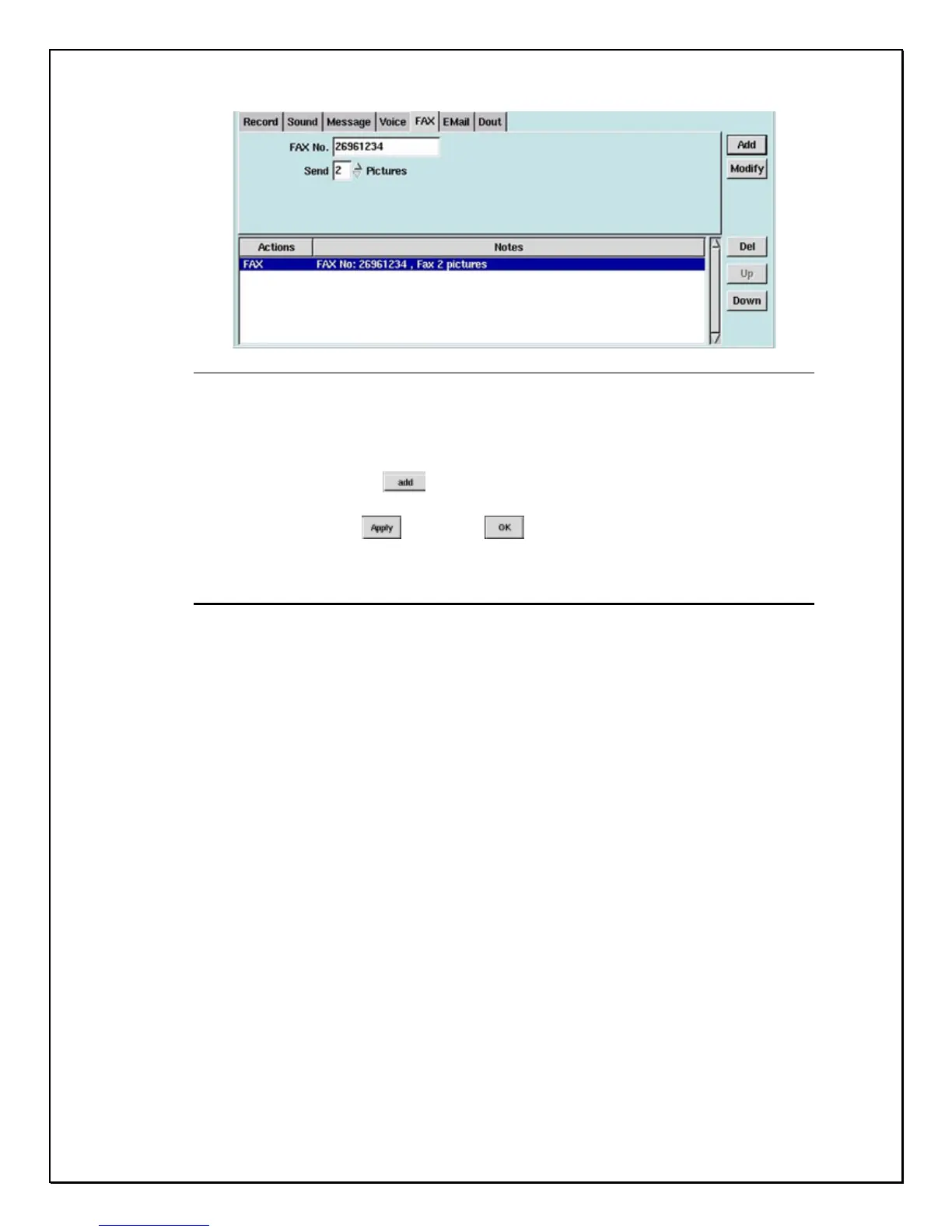
Figure 8-16: Fax Tab
5. Type in the “Fax Number”
6. Choose from the “Send” drop-down list how many pictures you would like
to fax, 1 to 30 pictures may be chosen
7. Then click “Add” , the window below will show “Fax” with the
selections made.
8. Click “Apply” , and “OK”
Alarm Relay Output Triggering
Alarm Relay Output, activate the relay output port at the time of detecting the
alarm. Follow these instructions to set the Output Port.
1. Click the Alarm Tab
2. Select the “Camera” (see Figure 8-6)
3. Select a “ Trigger Period” (see Figure 8-7)
4. Click the “Output Port” Tab



 To Next Page