80
Iris
When connecting a PTZ camera to your PRO 16/8 RAID digital video recorder
you have the option to open the Iris and close the Iris on the camera. Use
to
make the iris close, or use
to make the iris open.
Preset Setup
The PRO 16/8 RAID digital video recorder gives you 128 preset functions. For
each preset function users can adjust the speed and time of the camera.
1. Click the “Preset” to set the serial number (from 0 to 128:
0 means NULL, that is NO MOTION).
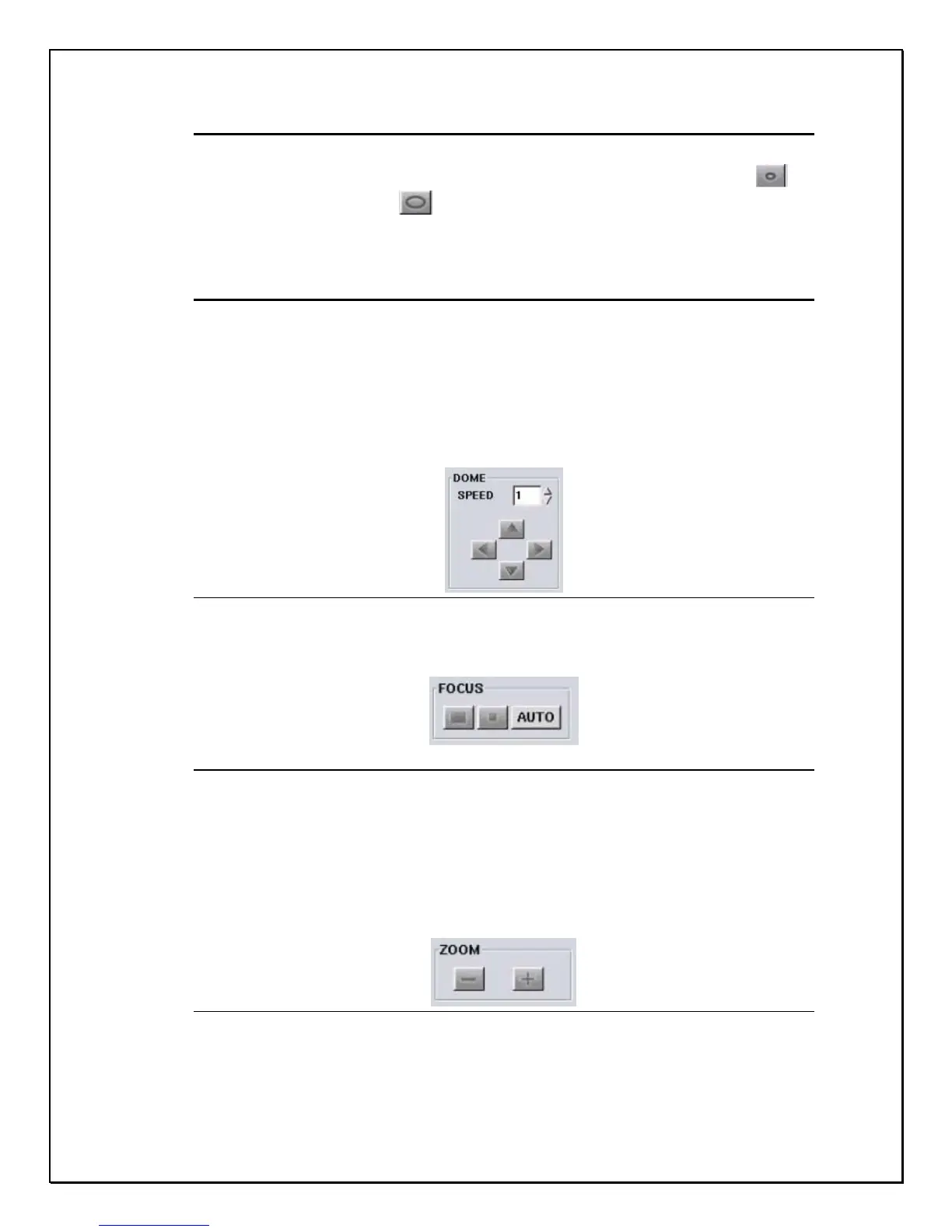
2. Set the Speed of the PTZ camera (range from 0 to 7), and then
adjust the Dome direction.
Figure 12-4: Dome Speed controller
3. Using the icons to Focus- in, Focus-out, or Auto focus the lens.
Figure 12-5: Focus Controller
4. Zoom-in & Zoom-out to adjust the picture.
Figure 12-6: Zoom controls
5. Set the Iris controls accordingly or use “Auto” adjust.



 To Next Page