92
Tagging recorded data
After opening a file, an important section of the video can be tagged for later
reference and archiving. While watching the video frames, the tagged section can
be operated like this.
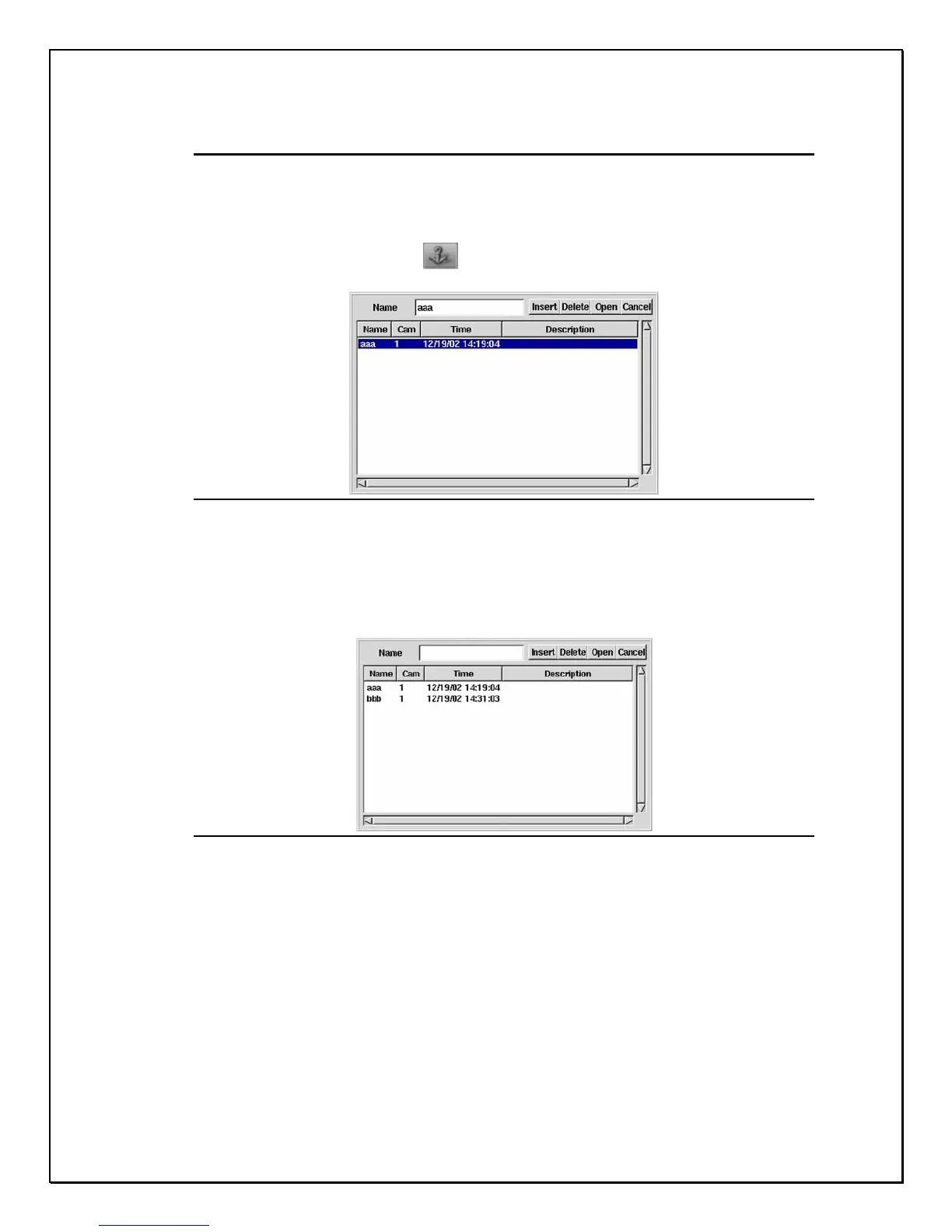
1. Click the “Tag” . Button to enter the window
Figure 13-13: Tag field
2. Type in the Tag name first.
3. Click “ Insert” button, the information about the camera, Tag time,
Description (the camera name) will be added to the system
automatically and then be listed.
Figure 13-14: Tagged frame
4. The particular clip is then saved and can be searched and viewed
for later reference by means of tag. And the camera number and
the time is in sync with the tag
5. Then a mark will appear at the left bottom of the tagged screen
(see the image).



 To Next Page