93
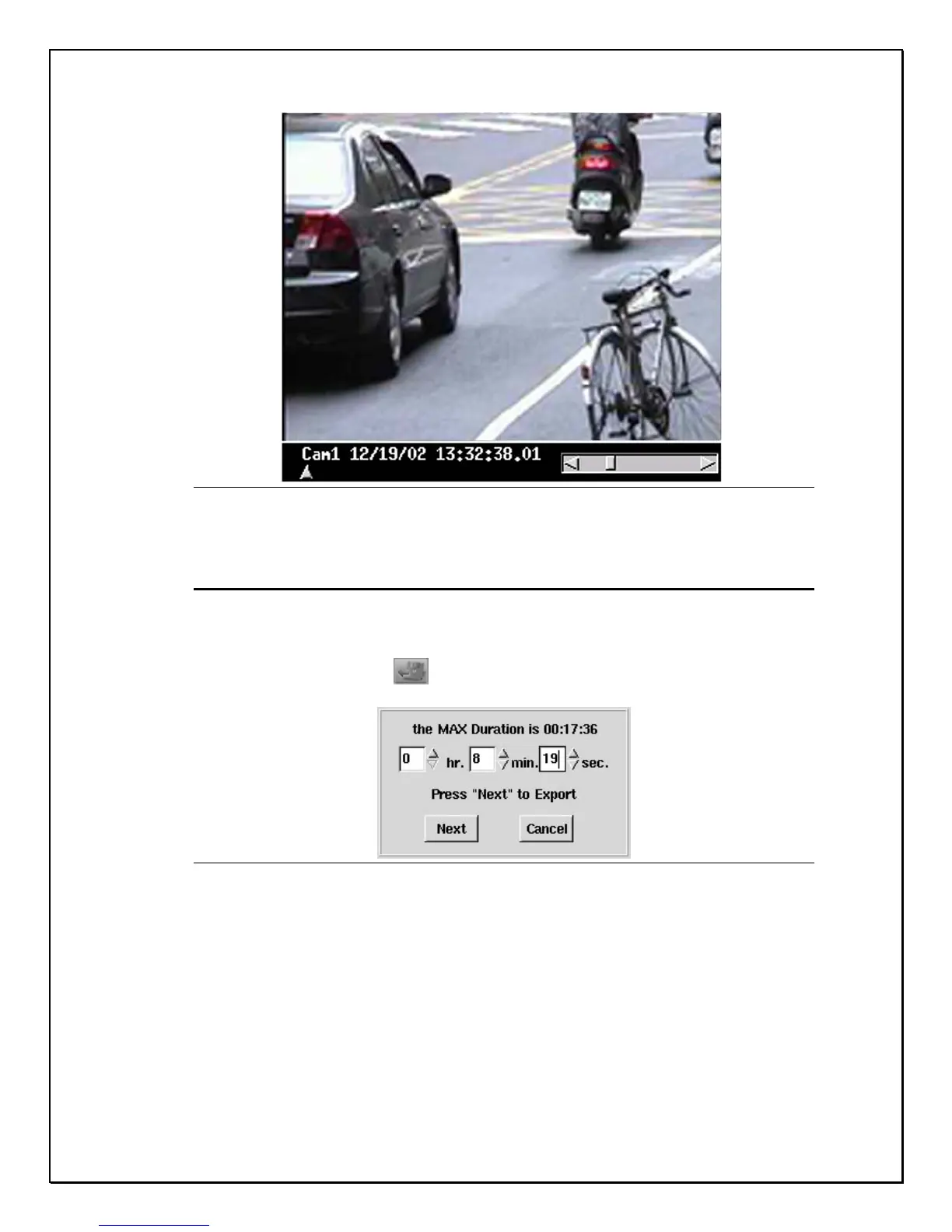
Figure 13-15: Tagged Clip
Exporting a Clip
While viewing playback data, if you wish to export a section of one clip to save in
addition, do as follows:
1. Click on this icon
. The following image will appear:
Figure 13-16: Export image
2. The image highlights the hours, minutes, and seconds. Use the drop-
down list to select the time frame you would like to export. Click Next to
continue
3. The DVR then asks you to choose the media and the place you’d like to
export the clip to and the name of the clip. Once complete, click “OK” to
confirm.



 To Next Page