UX2000 SBC XO SIP Trunk Lync Server 2010 Configuration Guide
10
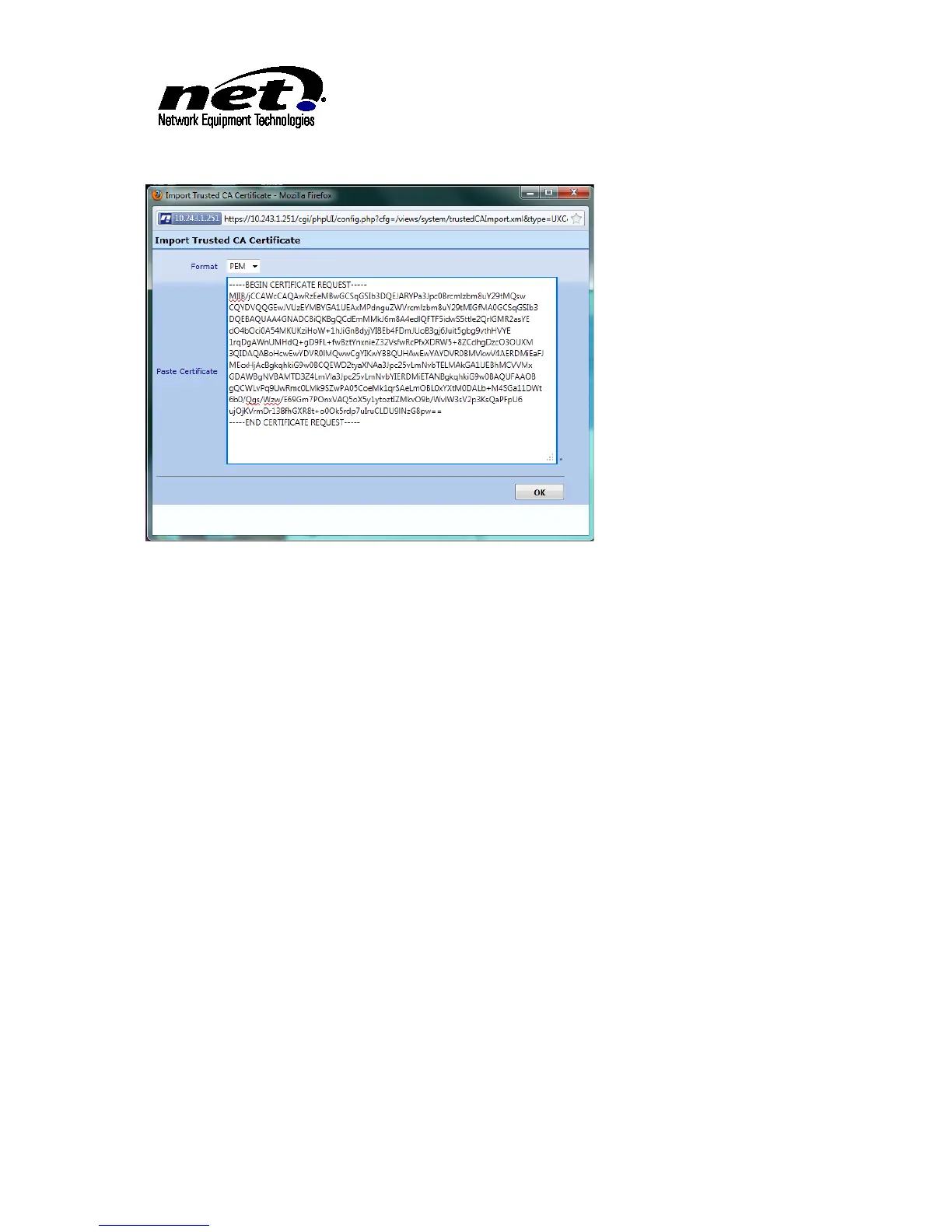
Figure 3 Importing Root Certificate PEM Format
3.4 UX Certificate
Click on the ‘Generate CSR’ tab. Complete the dialog below with the minimum of the FQDN of the
UX2000 in the ‘Common Name’ field . Once the dialog is populated click ‘OK’. This will create the
unsigned certificate that will have to be submitted to the Certificate Authority to be signed. This
submission process varies per installation and is out of the scope of this document.



 To Next Page