UX2000 SBC XO SIP Trunk Lync Server 2010 Configuration Guide
43
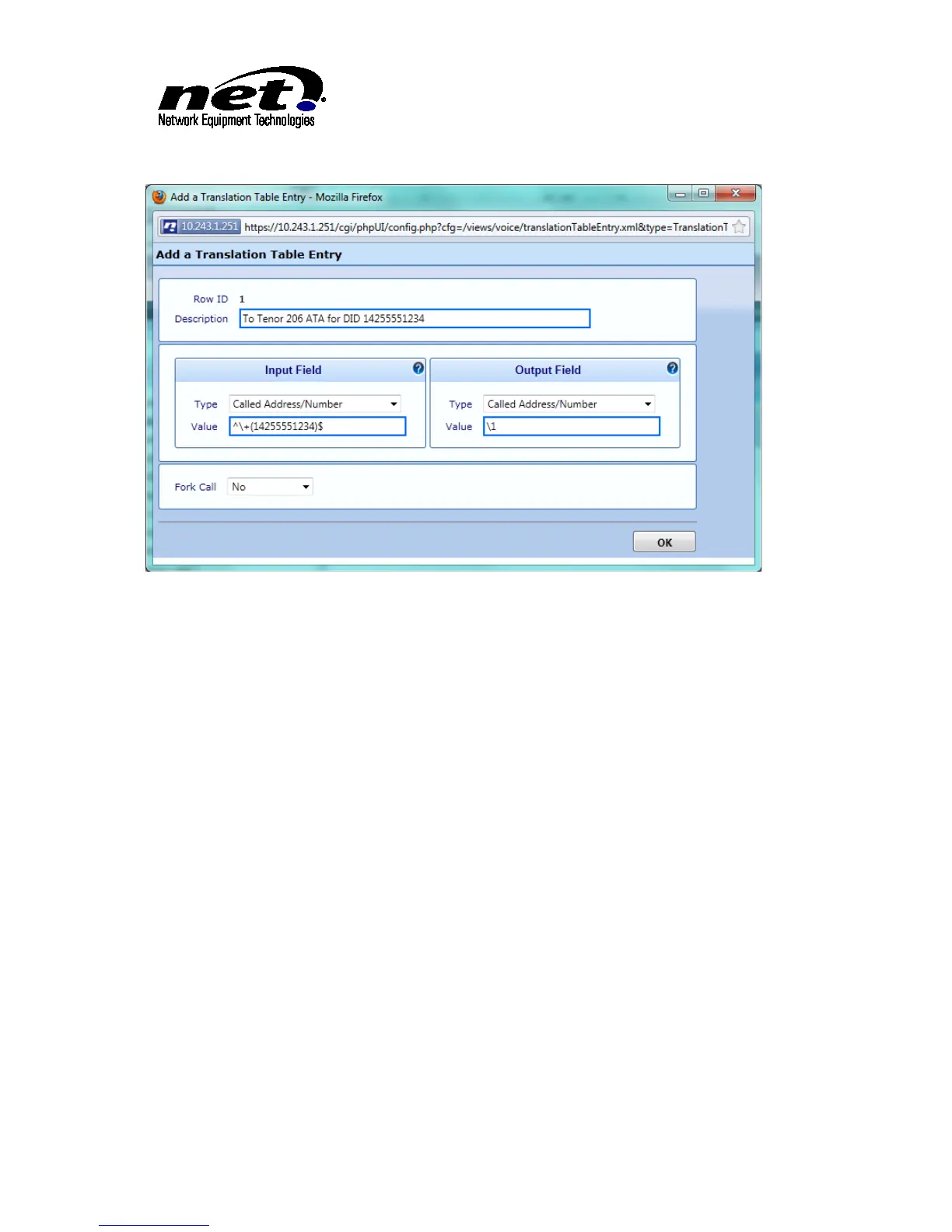
Figure 42 Completed Translation Table Dialog for ATA Routing
9.2.3 Signaling Group
The Signaling Group for the ATA is configured at Settings/Signaling Groups. Click on the ‘Add SIP SG’ link
in the top of the right hand pane to add the name of the SIP SG. The example bellows shows a SG with the
name of ‘Tenor 206’ with the basic configuration changes made from the default dialog:



 To Next Page