UX2000 SBC XO SIP Trunk Lync Server 2010 Configuration Guide
14
Perquisites:
a. Select unused Ethernet Port
b. Public IP Address for UX2000 SBC
c. Public IP Subnet Mask for UX2000 SBC
d. Public IP Default Route for UX2000 SBC
e. Private IP Static Route if Needed
4.2 Selecting Unused Ethernet Port
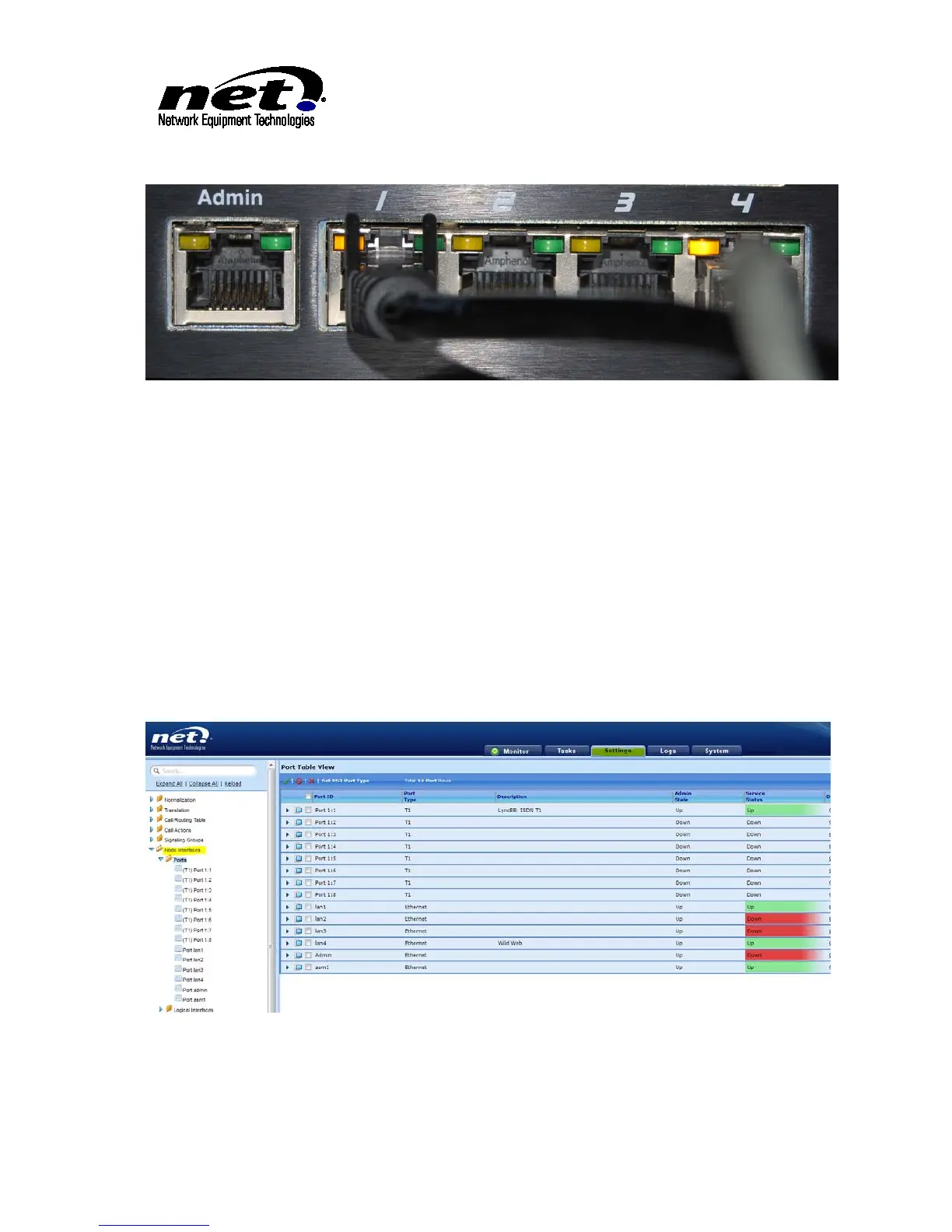
From the Settings Tab/Node Interfaces/Ports display select an Ethernet that is not currently used. These
are shown below:
Figure 7 Node Interfaces
In Figure 7 Ethernet port 4 will be used for the Public IP connection. Click the Right Arrow next to Lan4 to
open the Configuration Dialog. Supply the following information:



 To Next Page