UX2000 SBC XO SIP Trunk Lync Server 2010 Configuration Guide
16
4.3 Configuring the IP Default Route
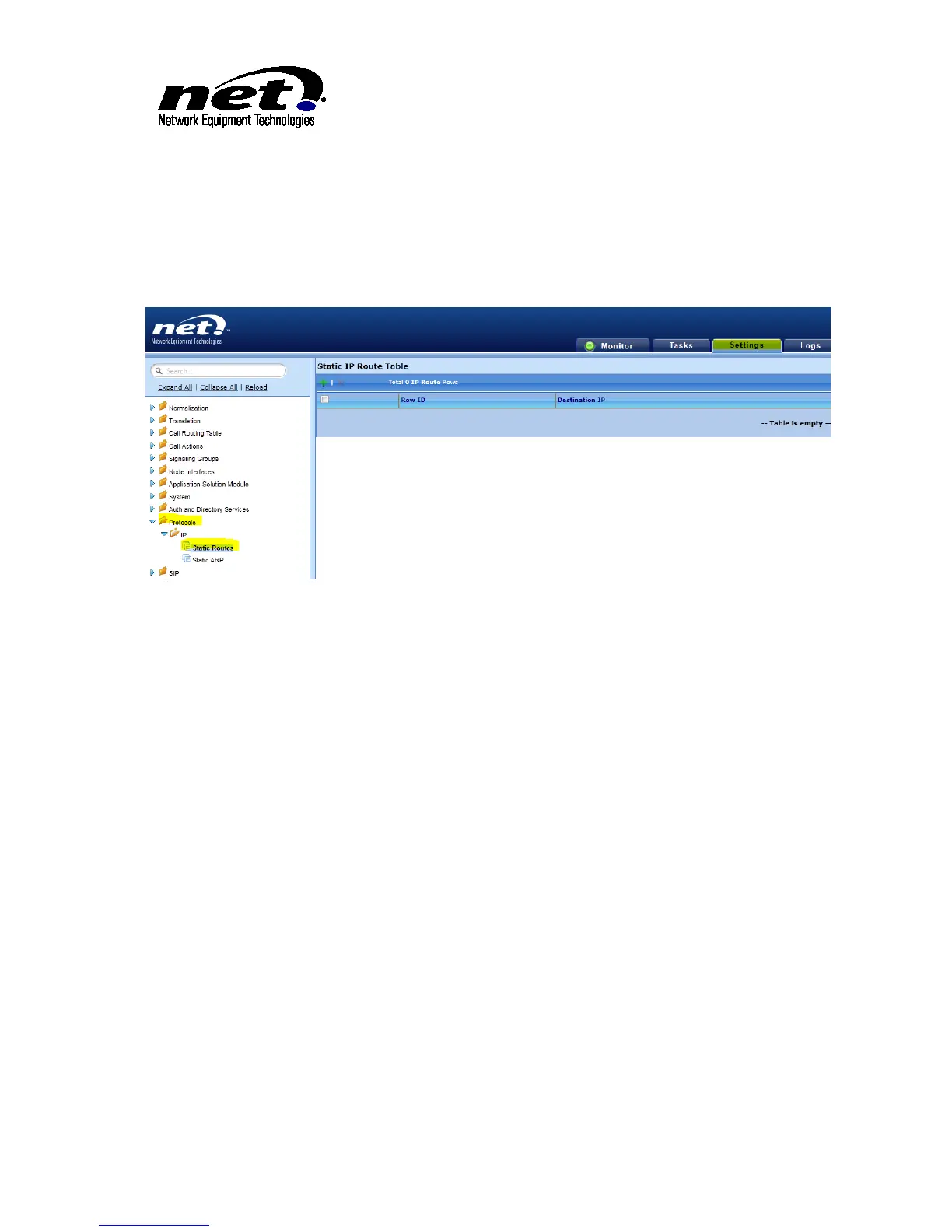
The IP Default route is required so that the UX2000 SBC will know where to send IP packets into the
public IP network. From the Settings/Protocols/IP/Static Routes click on the green ‘+’ sign to add the
route. This will open the dialog for the IP Route. Complete the dialog with the following information:
Figure 9 IP Default Route
Destination IP: Enter ‘0.0.0.0’
Mask: Enter ‘0.0.0.0’
Gateway: Enter the IP Address of the IP Default Router
Metric: Enter ‘1’
Once configured click ‘OK’ to apply the configuration.



 To Next Page