UX2000 SBC XO SIP Trunk Lync Server 2010 Configuration Guide
22
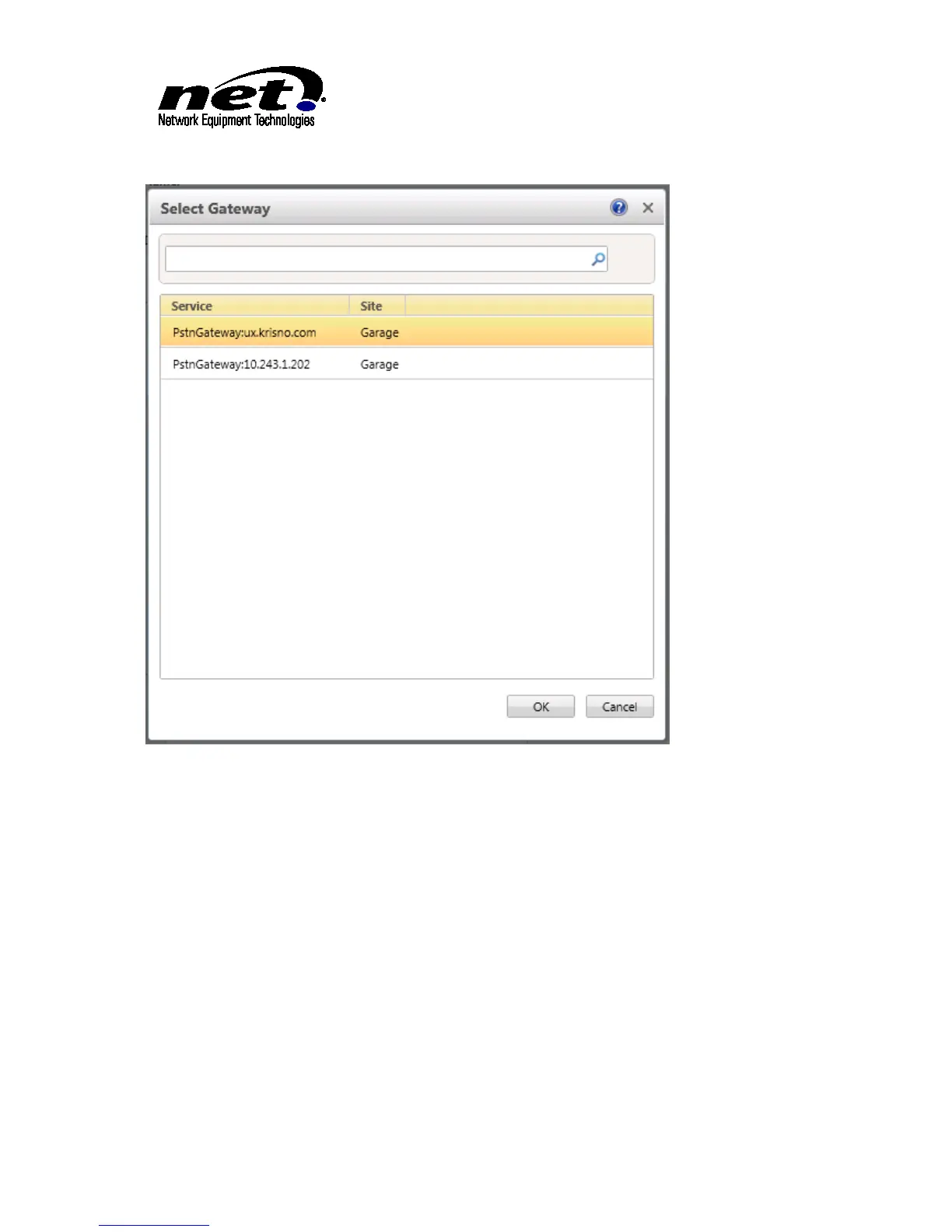
Figure 16 Available PSTN Gateways
Ensure the UX2000 SBC is highlighted in the dialog and click ‘OK’.
Scroll down to the ‘Associated PSTN Usages’. Click on the ‘Select’ button to bring up the list of available
PSTN Usages. Select the proper PSTN Usages from the list and click ‘OK’.
With the PSTN Gateway selected and the PSTN Usages selected the dialog should be similar to below:



 To Next Page