UX2000 SBC XO SIP Trunk Lync Server 2010 Configuration Guide
23
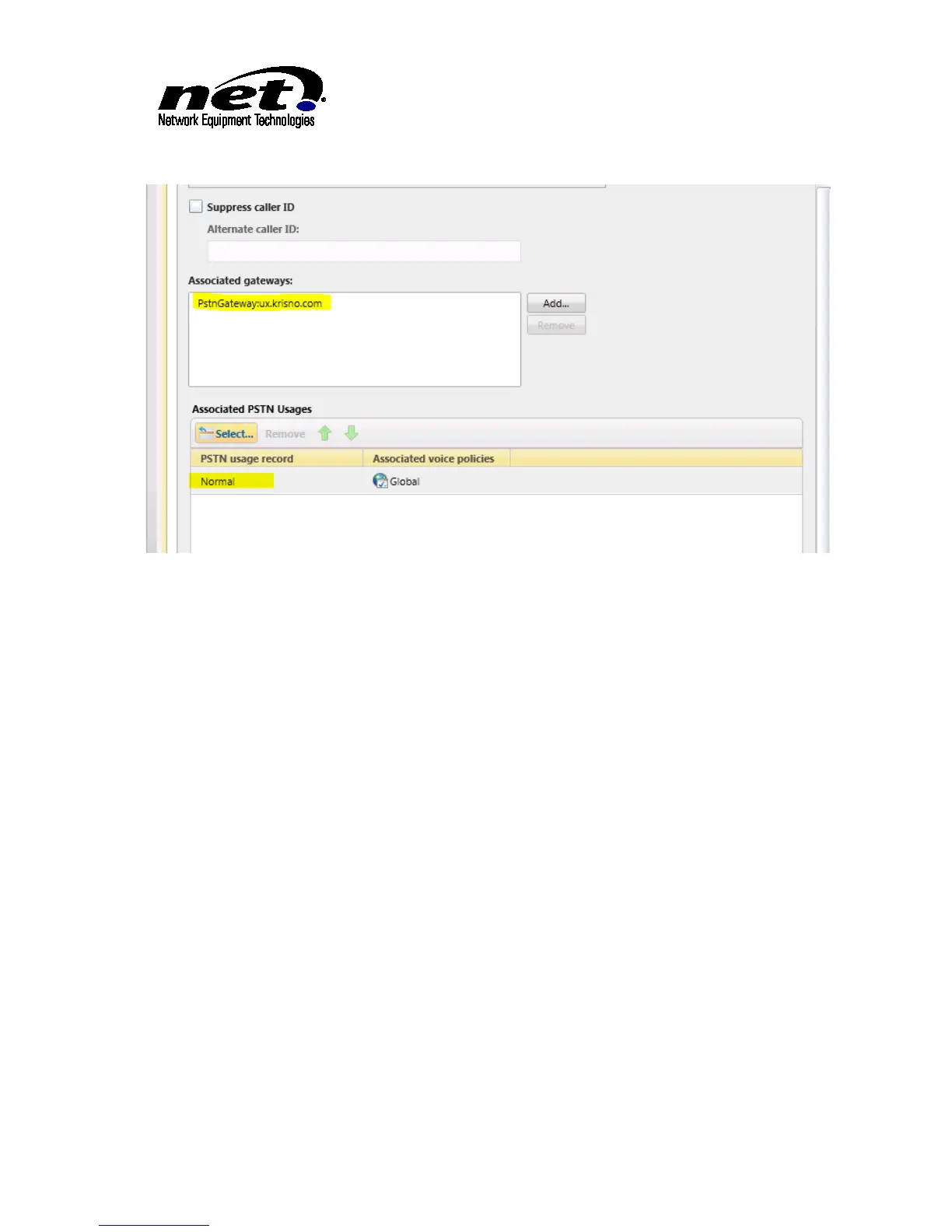
Figure 17 PSTN Gateway and PSTN Usages
At this point commit these changes to the topology.
5.3 Configuring Assigned DIDs to Lync Users
In order for Lync users to be called directly from the PSTN, the Lync users will have to have the XO SIP
Trunk DID numbers assigned. This is done in the User section of Lync Server Control Panel.
Open the specific Lync user in Lync Server Control panel that will have a DID assigned to it. Configure the
DID in the Line URI configuration as shown below:



 To Next Page