SCREENGUARD
™
INSTALLATION AND USER MANUAL
19
OPERATION
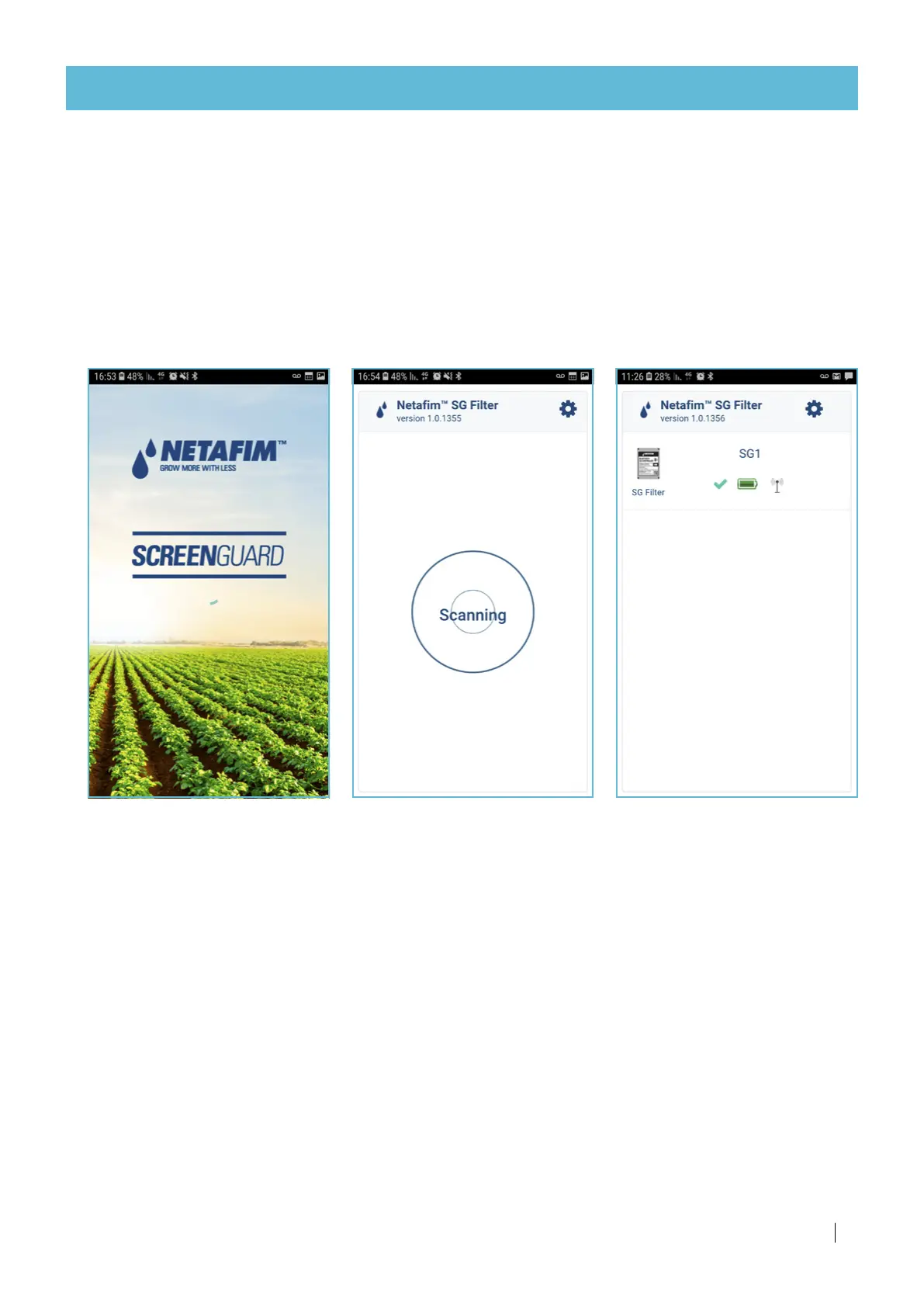
Welcome screen
When the user taps on the app
shortcut, a welcome screen
appears...
Application operation
The SG1 Smartphone application is easy-to-use and intuitive. The following is a quick guide to the SG1 app.
(If your SG filter is equipped with the Filtron 1-10 flush controller, see its User Manual enclosed with it).
Scanning process screen
Then, a Scanning process of the
controllers in the vicinity will
start.
Scanning result screen
The results of the controllers in
the vicinity will appear on the
Scanning result screen.
Select your controller.
Continued on the next page



 To Next Page