Business HSI Basic Installation
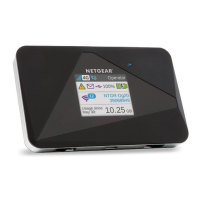
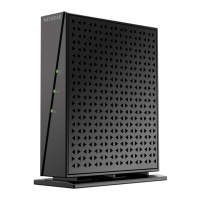
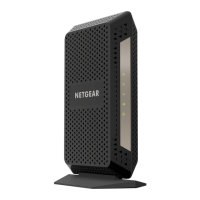
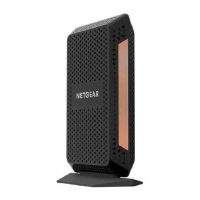
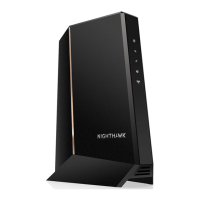
NETGEAR 7550
Technical Reference Guide v2.0
38
Wireless Network Configuration, Continued
(continued)
Step Action
2 Connect laptop to 7550 via Ethernet cable (any port E1-E4)
3 Using your web browser, connect to an Internet site (ex.
www.yahoo.com)
IF… THEN…
Yahoo loads in browser… Go to step 5
Unable to display page… Go to next step (step 4)
4 Using your web browser, connect to 7550 Public LAN address
(from order: LAN network + 1).
IF… THEN…
7550 GUI loads in browser…
Problem with LAN IP
block.
• Contact 866-ISIS-NOC
Unable to display page…
Verify physical connections
(PC to 7550)
• Verify laptop TCP/IP
settings (manually
assigned)
• Restart test at step 1
5 Yahoo loaded. Test 2 completed successfully.
Continue testing with test number 3.
Continued on next page


 To Next Page