EasyManua.ls Logo

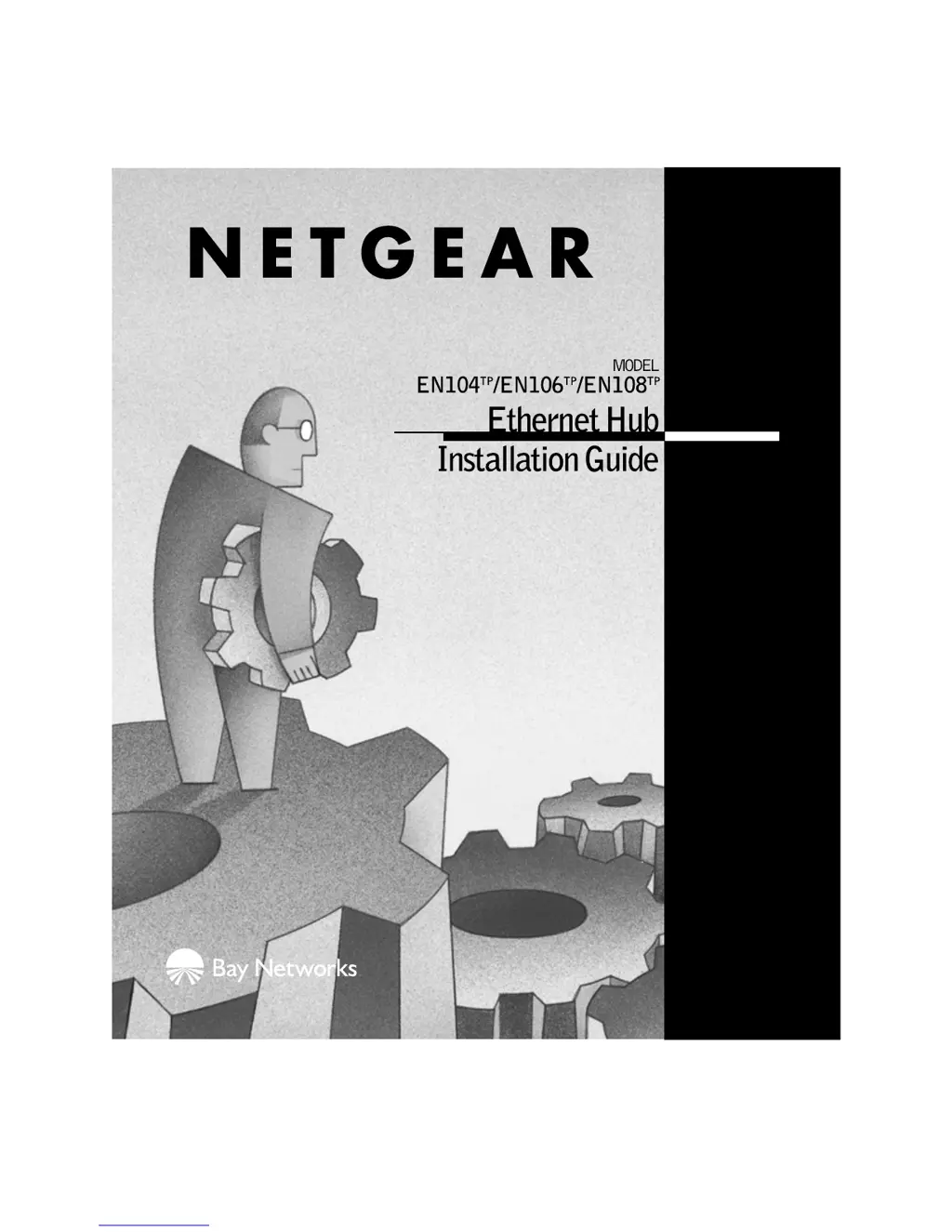
NETGEAR EN104TP - User Manual

NETGEAR EN104TP
18 pages
Print Icon
To Next Page IconTo Next Page
Loading...

Questions and Answers

  • M
    Mary MartinezJul 31, 2025
    Why is the Amber Col LED blinking excessively on my NETGEAR EN104TP?
    • J
      John HillJul 31, 2025
      If the Amber Col LED blinks excessively on your NETGEAR Switch, it could be due to a busy network or defective devices that cannot detect network traffic. Ensure connected devices are operating in half-duplex mode, as the hub isn't compatible with full-duplex. Disconnect devices one by one to find any defective units. Consider segmenting the network with a NETGEAR Ethernet switch or upgrading to Fast Ethernet. Also, incorrect or miswired cables can cause this. Verify you're using the correct UTP cables, not home telephone cables.
  • A
    Ashley BarnesAug 10, 2025
    What to do if the Green Link LED is off when a cable is attached to my NETGEAR Switch?
    • J
      Judith AndersonAug 10, 2025
      If the Green Link LED is off on your NETGEAR Switch when a cable is attached, the port might not be detecting a successful link. Check for cable issues such as a bad cable, incorrectly wired pairs, or loose connectors. Ensure that both the hub and the Ethernet transceiver on the connected device are powered on. Also, make sure the port hasn't been partitioned.
  • D
    David ClarkAug 19, 2025
    What to do if the Green Rx is off when there is data transmission on my NETGEAR Switch?
    • R
      Rita MurphySep 12, 2025
      If the Green Rx is off on your NETGEAR Switch during data transmission, the port isn't detecting data transmission. You should check for a faulty cable, improperly wired cable pairs, or loose connectors. Verify that both the hub and the Ethernet transceiver on the connected device are receiving power. Also, confirm that the port hasn't been partitioned.

Summary

LEDs and Controls

Installation Procedures

Site Preparation Requirements

Outlines environmental conditions, ventilation, and service access needed for proper hub installation.

Hub Installation Steps

Provides instructions for physically mounting the hub on a surface or wall, ensuring adequate space.

Connecting a PC to the Hub

PC Connection Procedure

Instructions for connecting a PC or workstation to the hub using standard Ethernet cables.

Connecting Hubs to a Network

Cascading Hubs for Network Expansion

Explains cascading hubs and the cable types needed for connecting hubs or switches.

Uplink Port Configuration for Connections

Details how to set the Normal/Uplink push button for specific ports when connecting to other network devices.

Cascading Hubs: Hierarchical Star

Cascading Hubs: Daisy-Chain

Verify the Installation

Post-Installation Checks

Describes the steps to verify the hub installation, focusing on the Power (Pwr) and Link LEDs.

Troubleshooting Information

LED Troubleshooting Guide

Provides solutions for common issues based on LED symptoms like Amber Col, Green Link, and Green Rx status.

Network Interface Card and Hub Integrity

Offers advice on checking network interface cards and resetting the hub for troubleshooting.

Technical Specifications

Customer Support

NETGEAR EN104TP Specifications

General IconGeneral
Mounting OptionsDesktop or wall mount
Operating Temperature0° to 40° C (32° to 104° F)
Ports4 x 10/100 Mbps
MAC Address Table Size1K
Power SupplyExternal
Operating Humidity10% to 90% noncondensing

Related product manuals