EasyManua.ls Logo

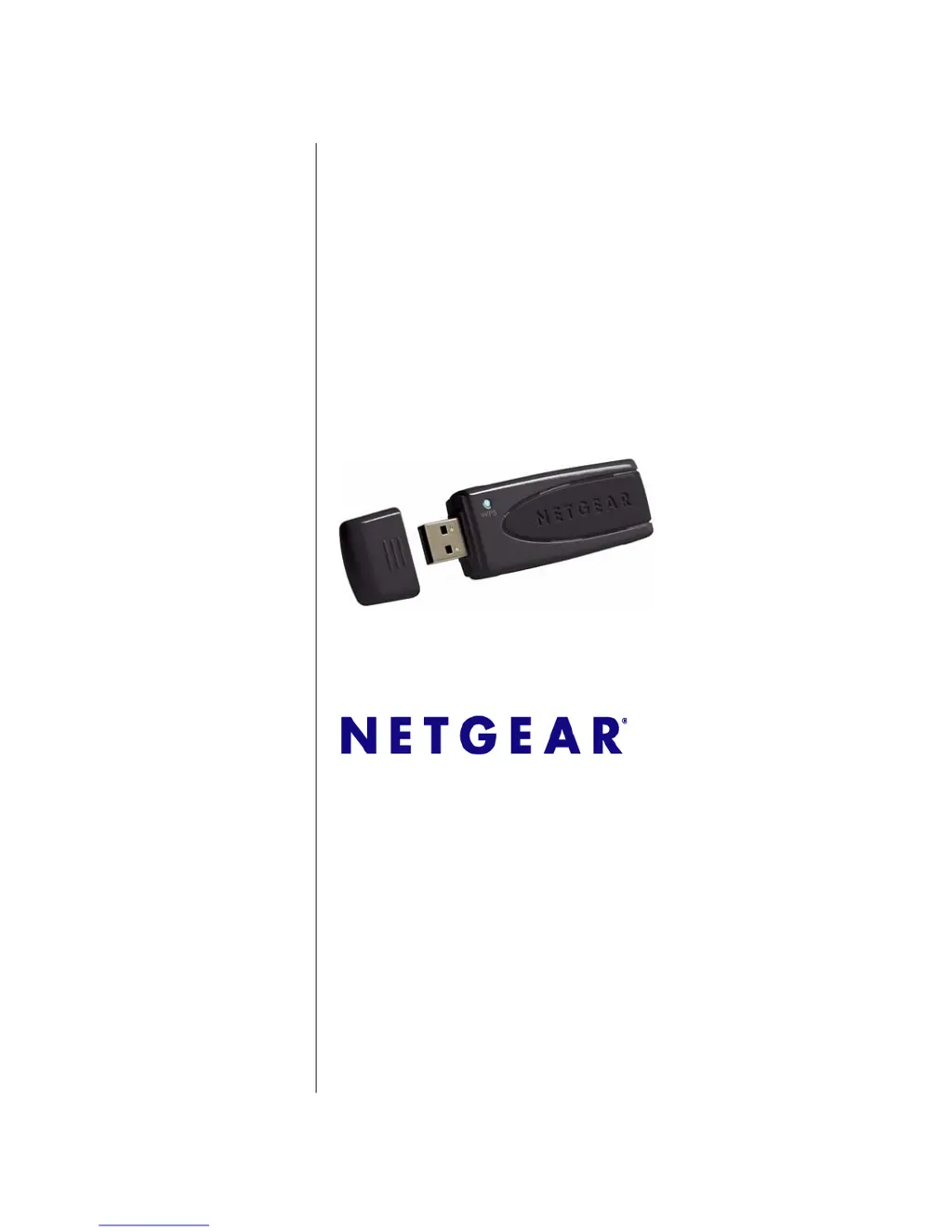
NETGEAR RangeMax WNDA3100 - User Manual

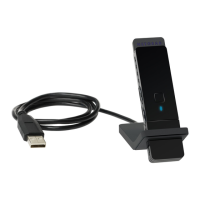
NETGEAR RangeMax WNDA3100
58 pages
Print Icon
To Next Page IconTo Next Page
Loading...
202-10329-01
December 2007
NETGEAR, Inc.
4500 Great America Parkway
Santa Clara, CA 95054 USA
NETGEAR RangeMax
Dual Band Wireless-N
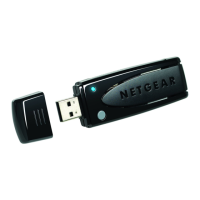
USB Adapter WNDA3100
User Manual

Table of Contents

Other manuals for NETGEAR RangeMax WNDA3100

Questions and Answers

  • S
    Sabrina OrtizJul 25, 2025
    Why is my NETGEAR RangeMax WNDA3100 LED blinking but not connected to an access point?
    • C
      Christopher RodriguezJul 26, 2025
      If the NETGEAR Adapter LED blinks but does not connect to an access point, it's likely trying to connect but can't. The access point might not be powered on, or the adapter and access point are not configured with the same wireless parameters. Check the SSID and wireless security settings.
  • J
    Janet SloanJul 29, 2025
    What to do if NETGEAR RangeMax WNDA3100 cannot connect to an available access point?
    • M
      Michele SchultzJul 30, 2025
      If your NETGEAR Adapter cannot connect to an available access point with good signal strength, and the access point is WPA-PSK protected, you need the correct WPA-PSK passphrase. Otherwise, the adapter might still be connected to the previous access point, preventing the change to the WPA-PSK access point. If the access point is WEP protected, ensure you enter the correct WEP encryption security information.
  • I
    ismithAug 3, 2025
    What to do if NETGEAR RangeMax WNDA3100 can connect to access point but not to the Internet?
    • H
      Hunter WatsonAug 3, 2025
      If your NETGEAR Adapter connects to the access point but not to other computers or the Internet, ensure the access point is physically connected to the Ethernet network. Verify that the IP addresses and Windows networking parameters are configured correctly. Restart the cable or DSL modem, router, access point, and computer.
  • J
    Joseph AdamsAug 7, 2025
    How to fix NETGEAR RangeMax WNDA3100 Adapter if the LED is not lit?
    • M
      Melissa ChenAug 7, 2025
      If the LED on your NETGEAR Adapter is not lit, the adapter might not be connected correctly to the USB port, or the software is not loaded. Try removing and reinserting the adapter. Check the Windows device manager to see if the adapter is recognized and enabled, and reload the software if necessary. Also, try installing the adapter in a different USB slot.
  • J
    Jeffery OlsenAug 11, 2025
    How to solve no IP address assigned to NETGEAR RangeMax WNDA3100 Adapter?
    • A
      Andrea BrowningAug 12, 2025
      If no IP address is assigned to your NETGEAR Adapter, it might be because you upgraded the adapter software and did not reboot your system. Restart your computer, or connect to a different access point.
  • J
    jenniferrobertsAug 16, 2025
    Why is NETGEAR Adapter throughput only 54 Mbps or 14 Mbps?
    • J
      James VasquezAug 16, 2025
      If your NETGEAR Adapter throughput is only 54 Mbps, you are probably connecting to a standard 802.11g network. If you do not have a USB 2.0 port on your PC, the throughput is limited to the 14 Mbps of the USB 1.1 standard.
  • C
    Christopher HannaAug 20, 2025
    How to stop NETGEAR Smart Wizard from asking to save settings?
    • M
      Mark Barr DVMAug 20, 2025
      If the Smart Wizard repeatedly prompts you to save settings, it's because you're changing settings. To avoid this, click 'Apply' before closing the Smart Wizard.

Summary

Safety and Regulatory Notices

Chapter 1 Basic Setup

Installation and Connection

Guides through installing software, connecting the adapter, and using the Smart Wizard.

Chapter 2 Network Connections and Wireless Security

Disable Windows Configuration

Steps to disable the Windows Zero Configuration utility to use the Smart Wizard.

Understanding the Smart Wizard

Overview of the Smart Wizard's functions for managing wireless settings.

Finding and Joining Networks

Step-by-step guide to finding and connecting to a wireless network.

Profiles Management

How to create, save, and manage network profiles for different wireless connections.

Security Configuration

Details on configuring WPA2-PSK, WPA-PSK, and WEP security settings.

Chapter 3 Wireless Network Performance

Optimizing Wireless Performance

Tips for improving wireless connection speed and range.

Chapter 4 Troubleshooting

Troubleshooting Tips

Common problems and their solutions for the wireless adapter.

Appendix A Technical Specifications and Factory Default Settings

Appendix B Related Documents

NETGEAR RangeMax WNDA3100 Specifications

General IconGeneral
CategoryWireless Adapter
InterfaceUSB 2.0
Wireless StandardsIEEE 802.11a/b/g/n
Frequency Band2.4 GHz / 5 GHz
Wireless Data RatesUp to 300 Mbps
SecurityWEP, WPA-PSK, WPA2-PSK
Operating Systems SupportedWindows XP, Windows Vista

Related product manuals