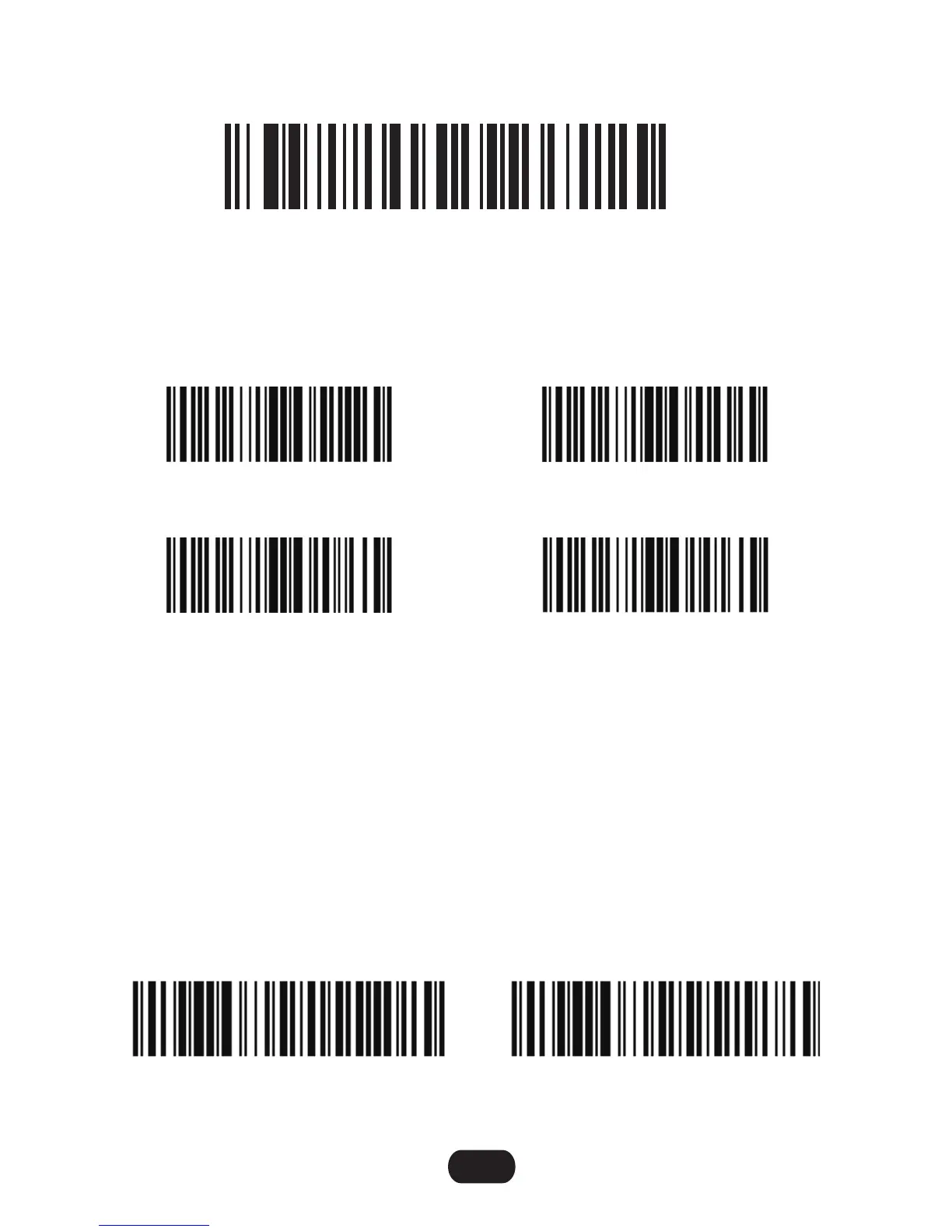
Quit offline mode
5. By scanning the following barcode, the device leaves the offline mode, normal
mode will be reinitialised.
Add character format: Decode Data + Terminator.
A prefix and/or one or two suffixes can be appended to scan data for use in data
editing. To set these values, scan a four-digit number (i.e. four bar codes) that
corresponds to ASCII values. See the Table 4-3 and Numeric Bar Codes in
appendix. To change the selection or cancel an incorrect entry, scan Cancel in
appendix. To set the Prefix/Suffix values via serial commands, see Setting Prefixes
and Suffixes Via Serial Commands.
NOTE In order to use Prefix/Suffix values, the Scan Data Transmission Format
must be set.
Terminator configuration
Prefix/Suffix Values
3030050
Disable
3030051
CR & LF
3030052
CR
3030053
TAB
50C0107
Scan Prefix
50C0006
Scan Suffix 1
4


 To Next Page