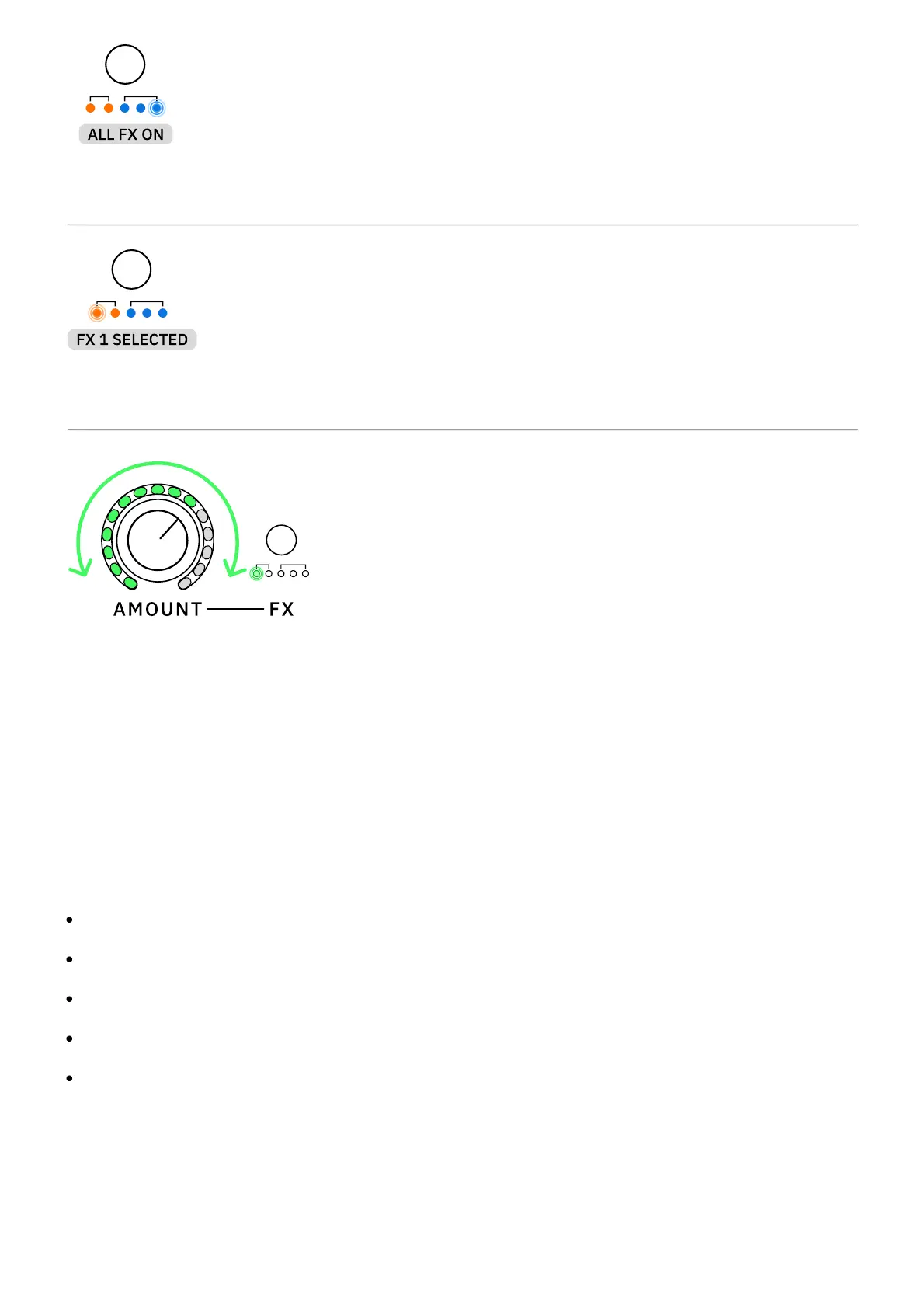
Engaged effect slots will be turned on.
The currently selected effect slot will blink.
Turn the AMOUNT knob clockwise or counterclockwise to change how much of the selected
effect is applied.
• • •
AMOUNT KNOB BEHAVIOR
Depending on the effect slot selected, the AMOUNT knob will control different parameter
values:
EFFECT 1: Noise Gate. The AMOUNT knob will control the NOISE REDUCTION value.
EFFECT 2: Transpose. The AMOUNT knob will control the SEMITONE value.
EFFECT 3: Modulation. The AMOUNT knob will control the MIX value.
EFFECT 4: Delay. The AMOUNT knob will control the MIX value.
EFFECT 5: Reverb. The AMOUNT knob will control the MIX value.



 To Next Page