Switching & Saving Presets
By default, Nano Cortex offers quick access to four Presets that can be customized without
using the Cortex Cloud app.
• • •
SWITCHING PRESETS
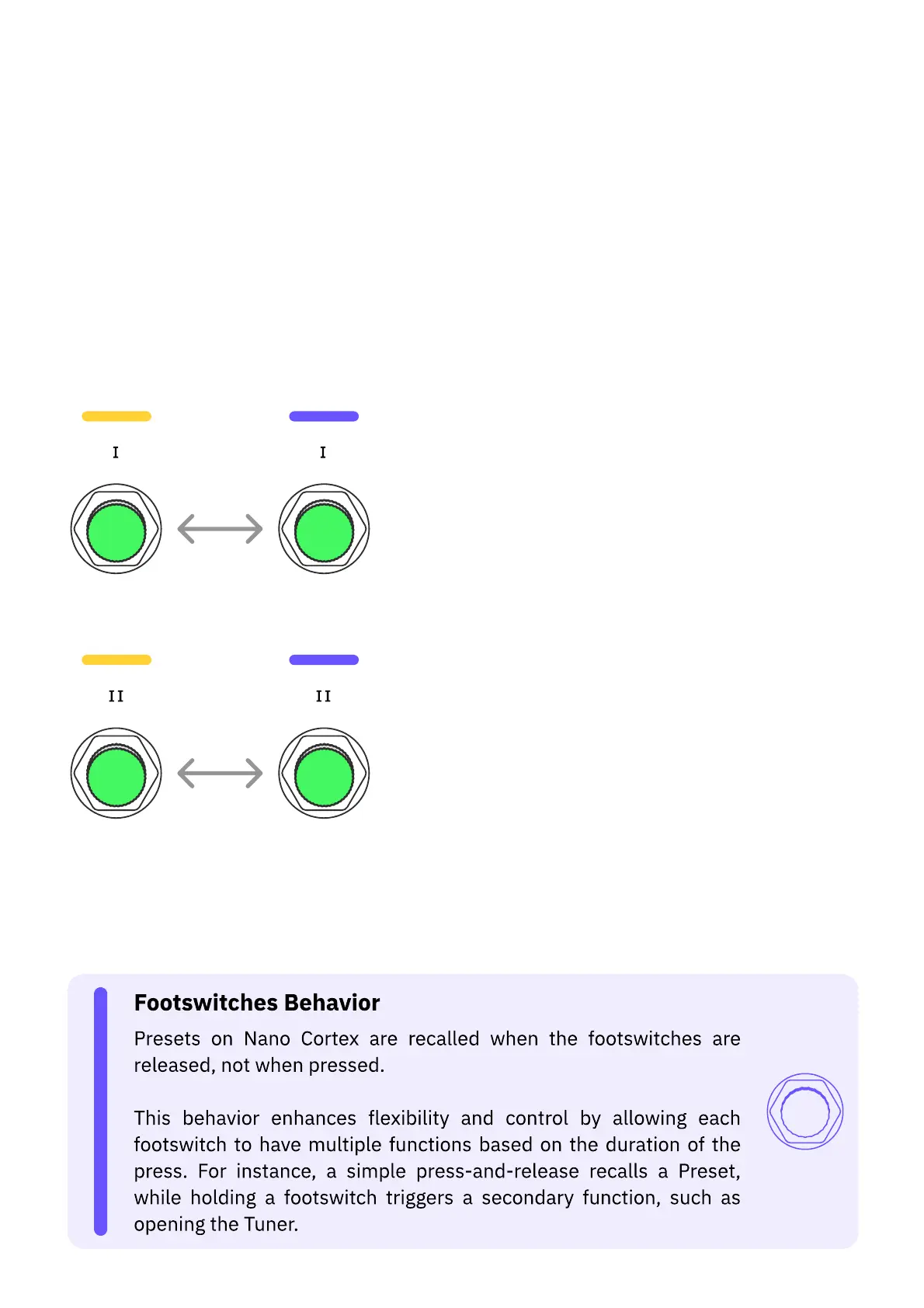
Press Footswitch I to toggle between Presets IA and IB.
Press Footswitch II to toggle between Presets IIA and IIB.
Neural Capture, IR Loader, and Effect slots will update their values accordingly. Different
Presets can be congured on the Cortex Cloud app.



 To Next Page