Capture Process
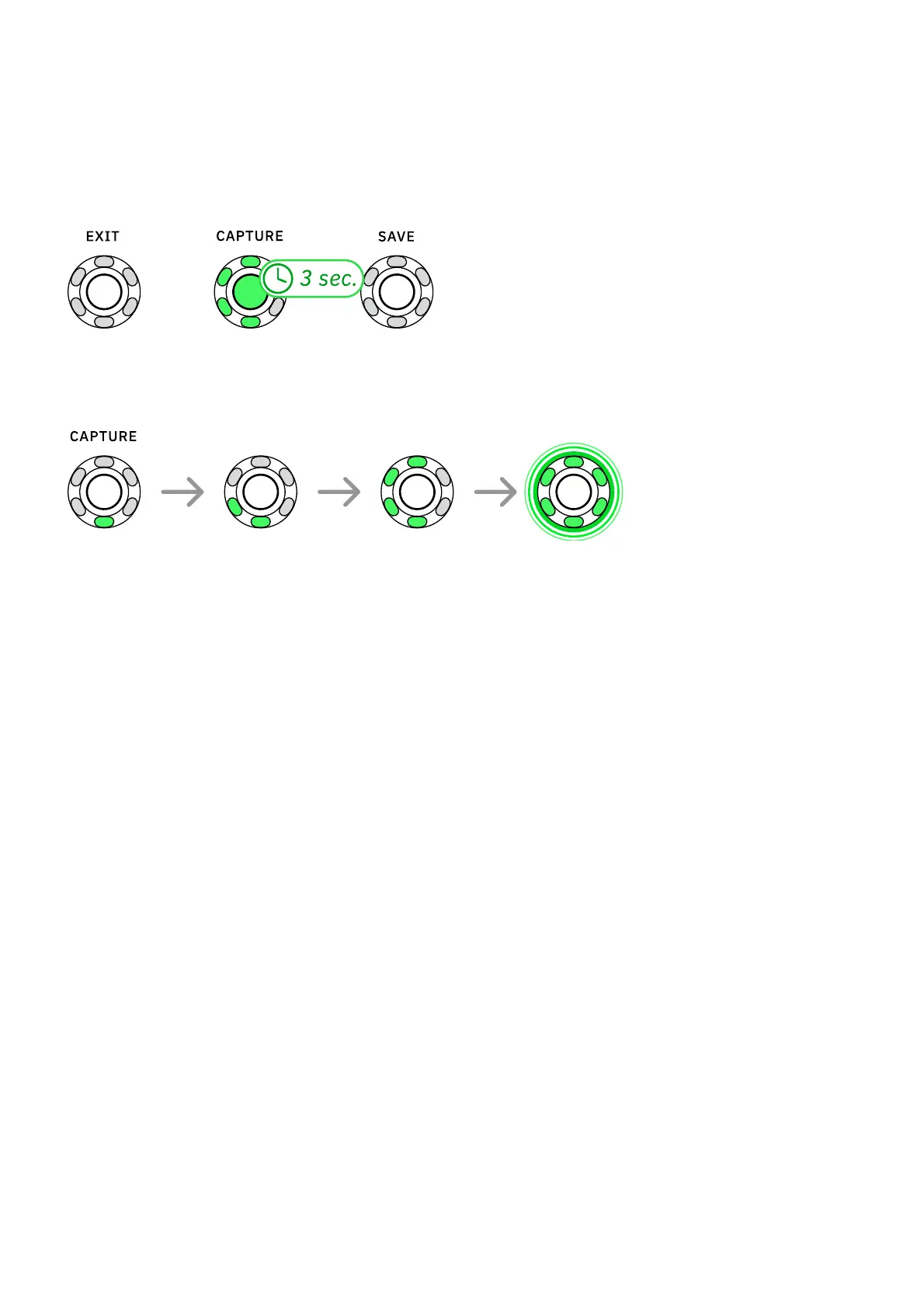
Press-and-hold CAPTURE for 3 seconds to begin the Capture process. Alternatively, press
EXIT to return to Performance Mode.
The CAPTURE LED ring will light up progressively as soon as the process begins. The Capture
process takes around 5 minutes.
The Nano Cortex will measure the latency of the target device and deliver recorded signals that
will be used for modeling. After the sanity check, Nano Cortex will train a neural network to
emulate the tone and dynamic response of the target device.
Once the training process is complete, you will be able to test and save your Neural Capture.



 To Next Page