Press Footswitch II to bypass the Nano Cortex.
• • •
Saving a Neural Capture
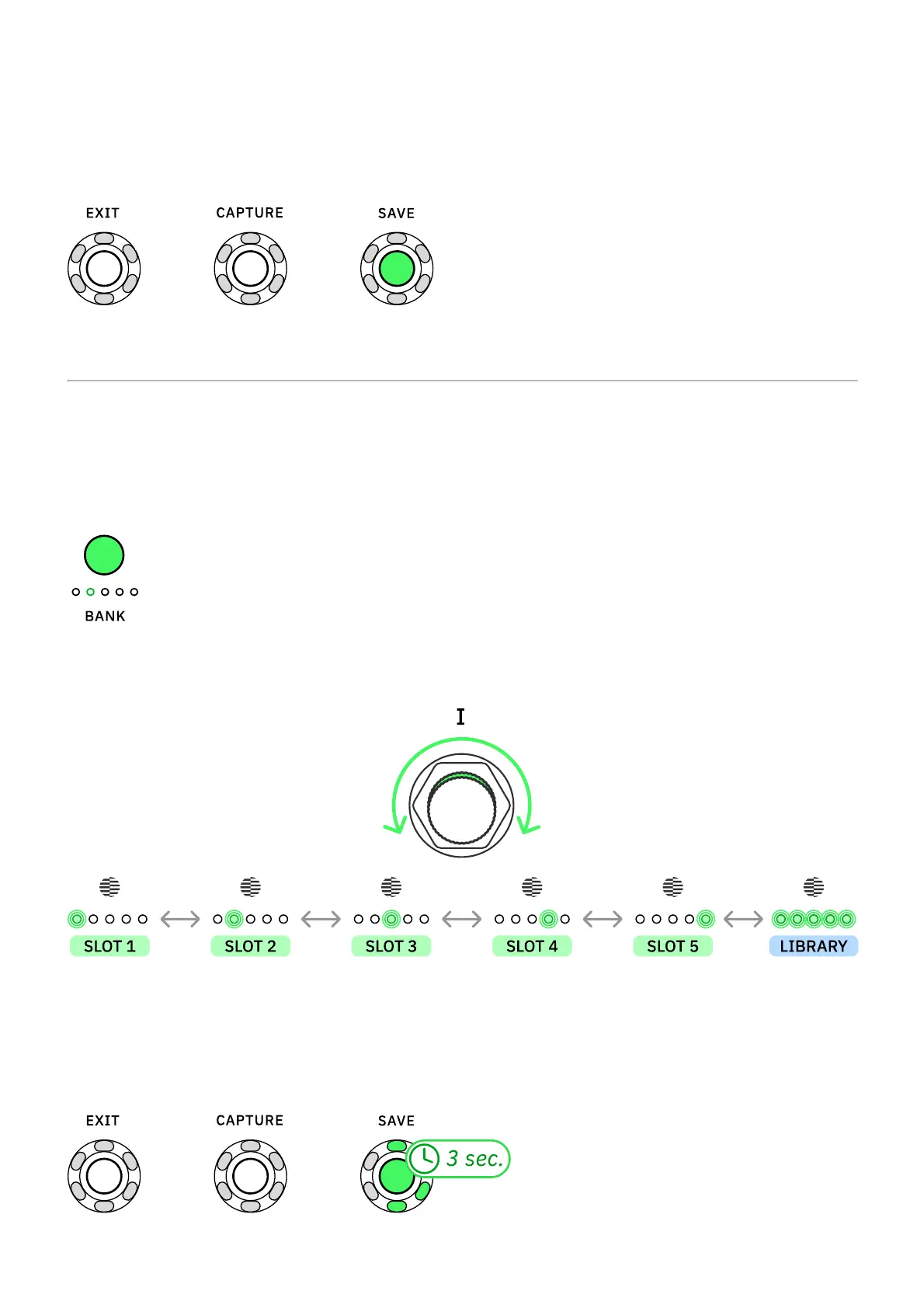
Press SAVE to store the recently created Capture.
SAVING DESTINATION
The BANK and Capture Slots LEDs will blink indicating that you can select a slot to store your
recently created Capture.
Press BANK to cycle Capture banks.
Turn Footswitch I clockwise or counterclockwise to navigate Capture slots.
The position where all LEDs are lit corresponds to the User Library. Choose this location to
save the recently created Neural Capture without assigning it to any slot.
Press-and-hold SAVE for 3 seconds to store your Neural Capture in the selected slot.



 To Next Page