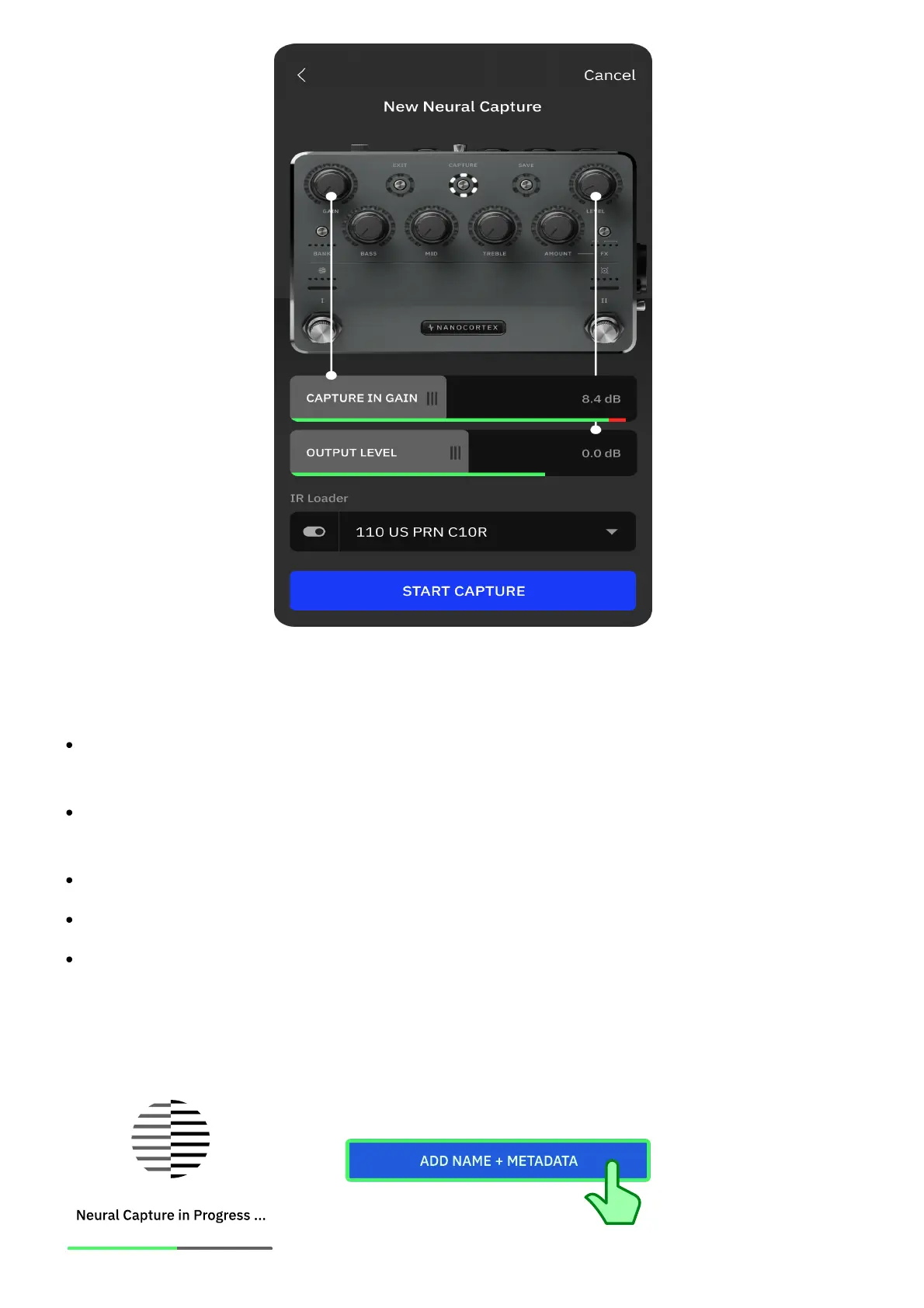
Ensure the target device's settings are set to your liking and the Nano Cortex's GAIN knob is at
the minimum position.
CAPTURE GAIN: Drag the slider to increase the CAPTURE INPUT gain up to a maximum of
+24dB.
OUTPUT LEVEL: Drag to control the overall output volume of the Nano Cortex (OUTPUT 1L
and Headphones).
IR LOADER: Tap to toggle the IR Loader bypass state.
IR SLOT: Tap to select the IR slot.
START CAPTURE: Tap to begin the Capture process.
• • •
CAPTURE PROCESS & METADATA



 To Next Page