33
Wordclock Sync 1
Depending on the Digital option card installed, there will be either
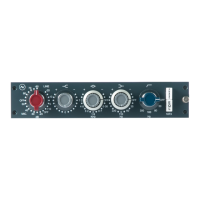
Wordclock Input and Output connections (USB/Dante card), or a Wordclock
Input connection only (USB/ADAT card).
The Wordclock output connector transmits Wordclock data for all USB,
ADAT, and Dante interface modes allowing external units to sync to the
1073OPX internal sample rate clock.
All Wordclock connections must be made with a 75Ω BNC cable
USB/Dante 1
The 1073OPX USB/DANTE digital card has both Wordclock Sync Input and a
Wordclock sync output.
The Wordclock input is used for Dante Network synchronisation only. USB
mode does not allow for external clock synchronisation, when using USB
Mode, the Wordclock Input is redundant.
Wordclock sync is activated from the Dante Controller application
In the main window click the Clock Status tab
Then click the tick box labelled Enable Sync To External
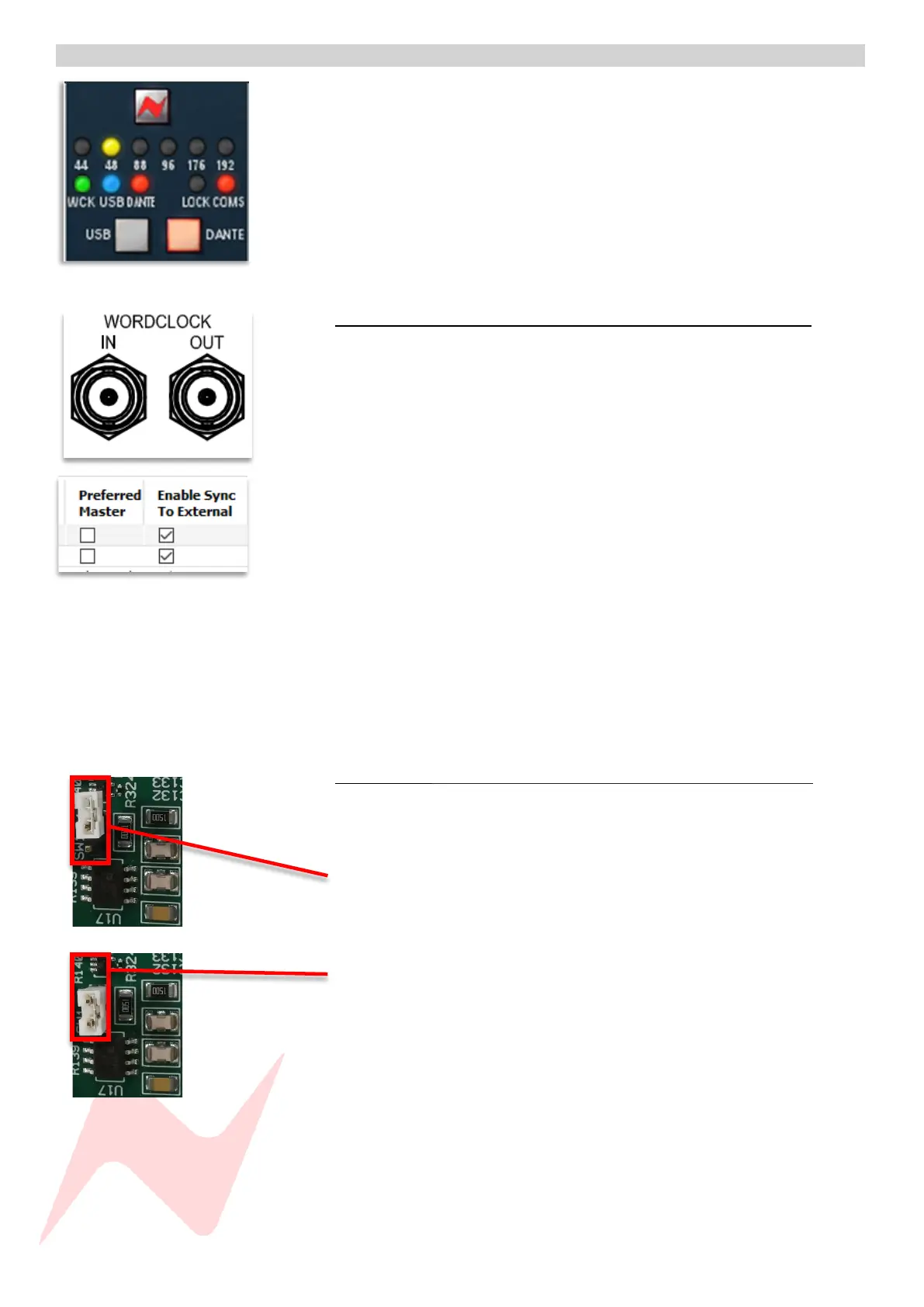
Once this step is complete the WCK LED will illuminate.
The Incoming Wordclock sample rate must match the 1073OPX sample rate
set by Dante Controller, if the sample rate does not match, the WCK LED will
not illuminate, and the unit will default to its own internal clock.
More information on Dante external sync can be found at
www.audinate.com
Wordclock 75Ω Termination 1
The USB/Dante digital card has an internal jumper switch that is used to
terminate the 75Ω Wordclock input. This is located just behind the
Wordclock BCN connector.
By default, wordclock is not terminated, in this mode, one pin is
left exposed.
To select 75Ω Wordclock termination -
Removes the jumper switch from its current position
move the jumper to the left position, covering both pins
Wordclock should be terminated when the 1073OPX is the last unit in the
synchronisation chain to receive Wordclock. 75Ω Wordclock termination
should not be used when transmitting Wordclock via WORDCLOCK OUT.


 To Next Page