19
IP address setup 1
To access IP Config mode 1
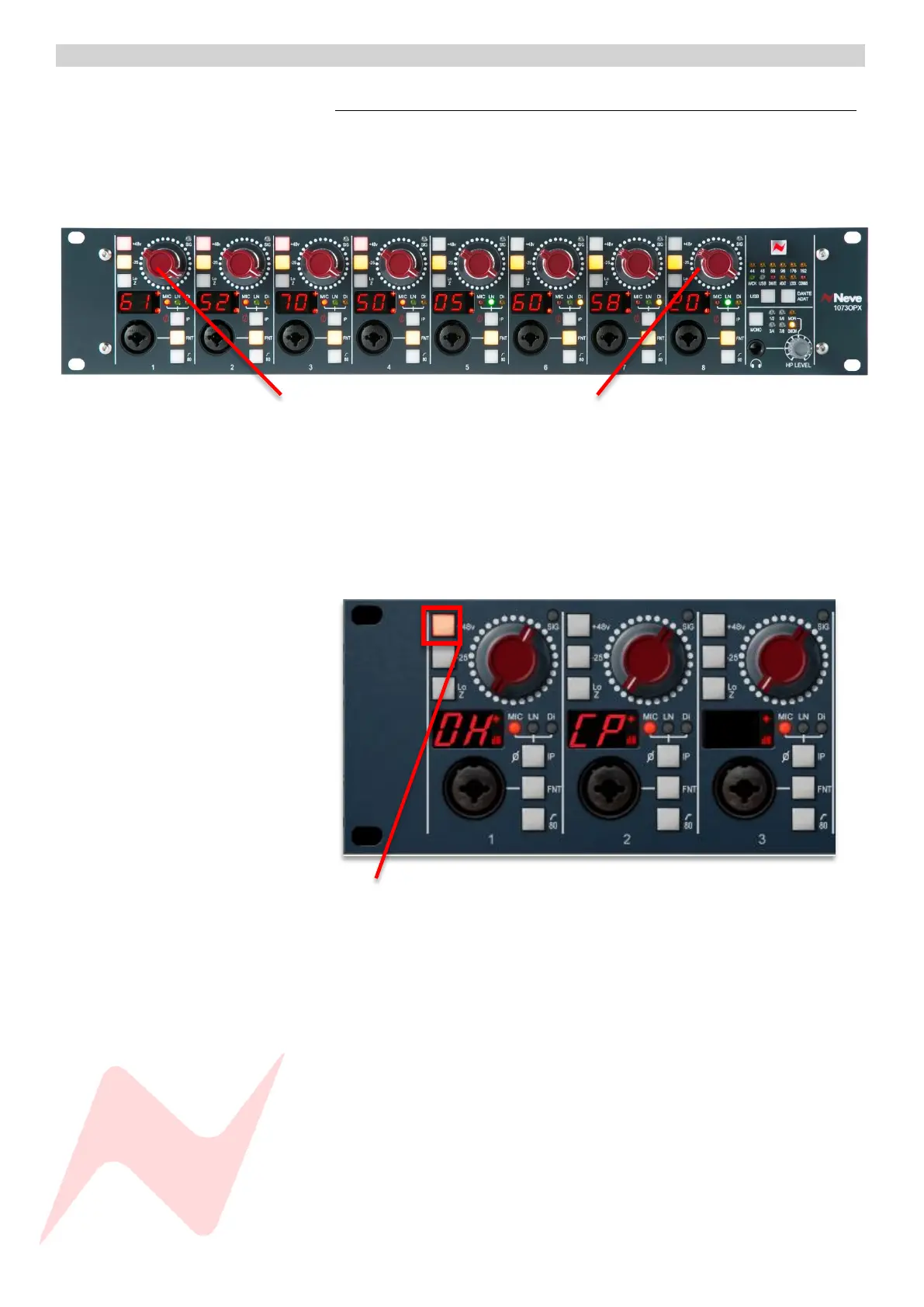
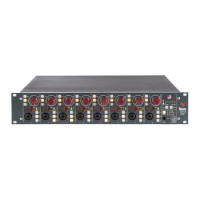
Press and hold preamplifier Gain Controller 1
Press preamplifier Gain Controller 8 at the same time
Press and hold both together
Preamplifier gain indicators 1 & 2 will now display DHCP, indicating an
automatic IP address assignment. This mode is used when connecting
through a Network switch.
To view the manual address menu and set a manual IP Address, press the
Preamplifier Channel 1 +48v button.
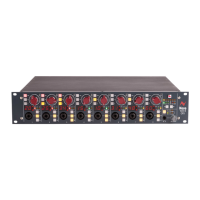
Once pressed, the preamplifier channels will change to display the unit’s
manually assigned IP address across the front panel gain indicators.
Follow the steps on page 17 and 18 to configure the computer and
1073OPX manual IP addresses.


 To Next Page