35
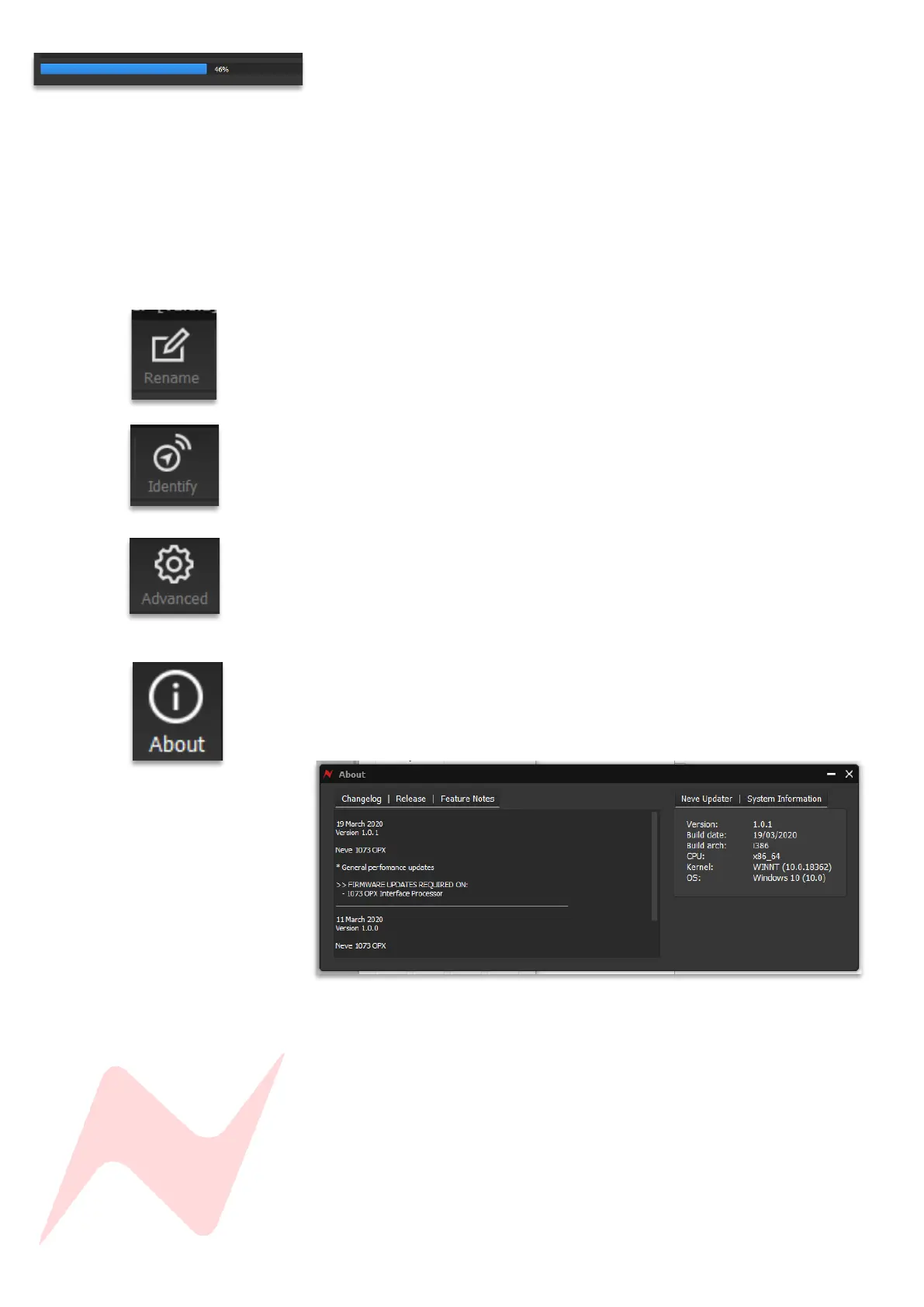
The software will update the firmware in three stages which is indicated on
the progress bar.
• 1
st
grey progress indicator is entering boot mode then another is
shown to indicate erasing memory status.
• 2
nd
blue indicates update progress.
• 3
rd
grey indicates exiting program mode.
• Lower thin grey progress indicator is overall progress.
The OPX front panel will enter boot mode when programming, please do not
press any buttons on the unit during this process.
Units can be renamed by clicking rename (Max 21 characters)
Identify flashes the MONO button on the selected unit.
Advanced is reserved for the use of AMS Neve engineers when manually
uploading firmware.
It is not recommended for end-users to enter this mode.
The About window displays the software system information and the
available firmware versions.


 To Next Page