Page 23
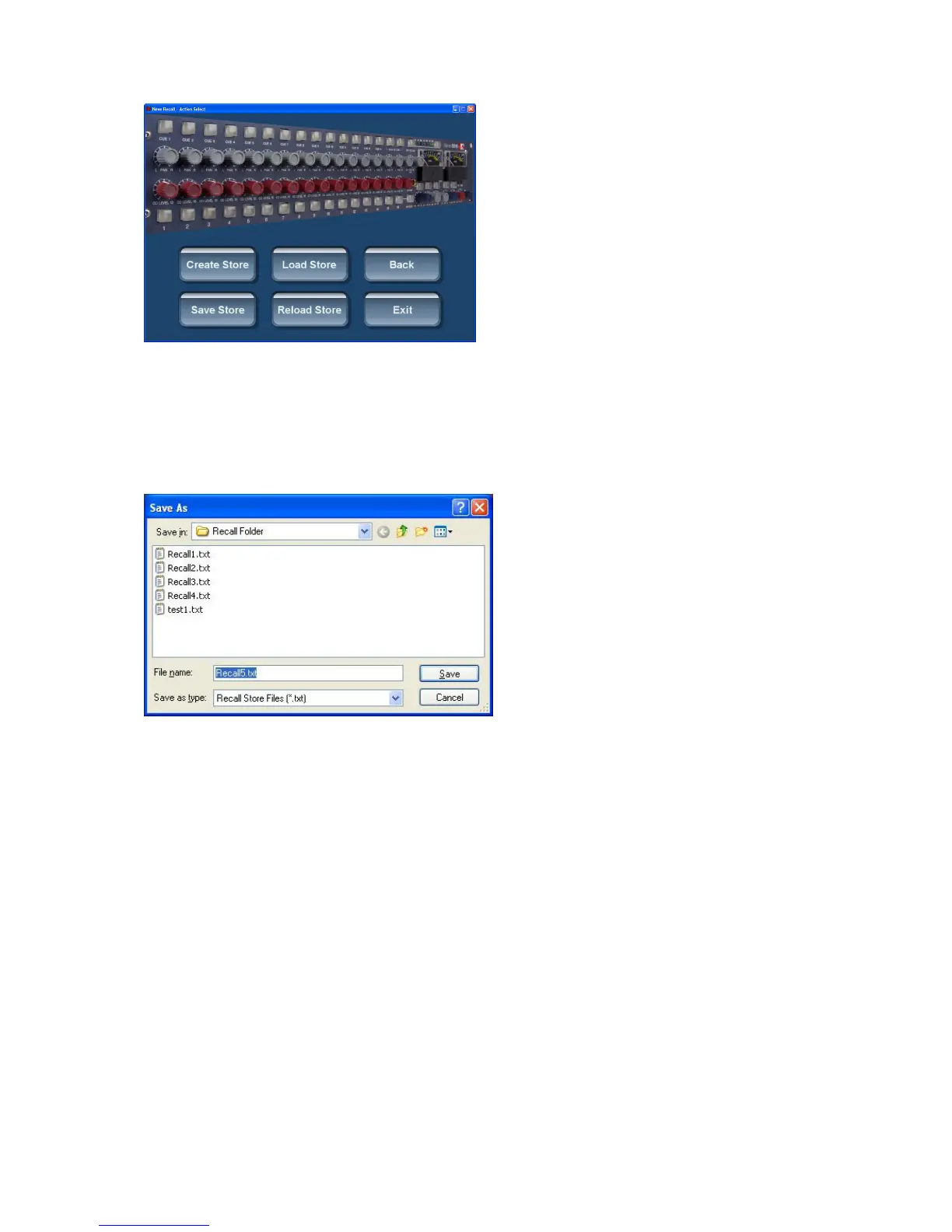
Create Store
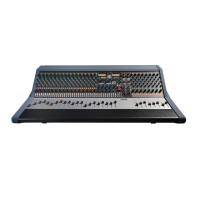
This creates a Store within the Recall project or the session folder using a ‘save as’
dialogue box. It can be named and filed by the user in the appropriate folder.
Save Store
Overwrites the currently active Recall file by updating it with the new settings from the
appropriate unit(s) that are currently on the USB hub.
Retrieving Stores
Go to the Store / Load screen and choose either Load Store or Reload Store.
It is worth noting the difference between Load Store and Reload Store.


 To Next Page