Page 24
Load Store
A Store can be selected for loading from the computer filing system, typically – a
Recall folder or Session folder.
Reload Store
The last Recall file stored will be loaded back automatically. This could be a very
recently created file or an old file that was the last one created within the current
Recall project.
The Recall Load/Store screen has two more buttons, 'Back' and 'Exit'. Back allows
the user to go back to the selection screen if they need to make another Store or
alter what is selected on the USB. Exit allows the user to quit the Recall system and
return to the desktop.
Recalling a Store
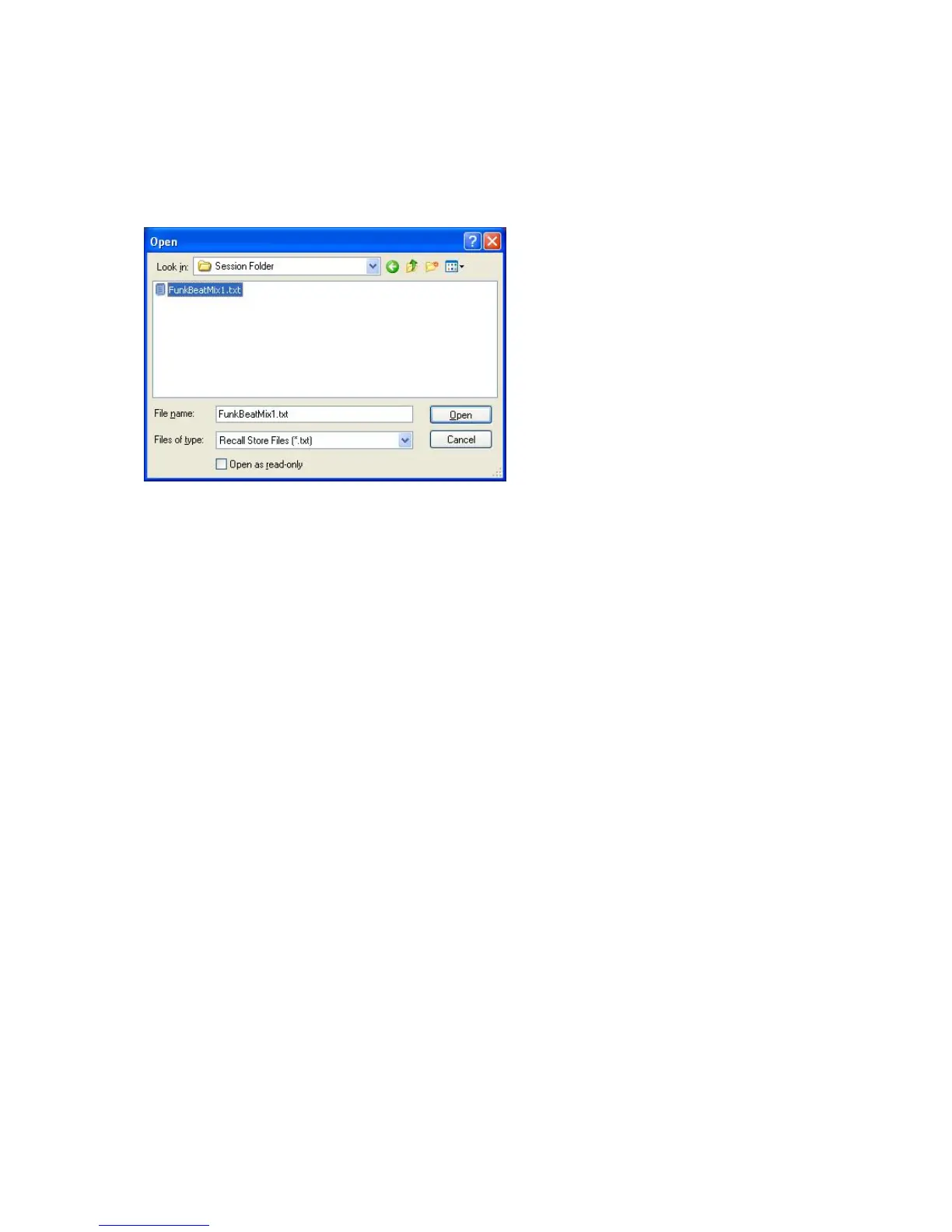
Clicking on Load Store will open a dialogue box where the user can choose which
Recall file he/she wants to load from the filing system.
Before opening a file, it is possible to single-click on the file to be opened and a 'tool
tip' will be shown which indicates to the user the properties of the file such as the
types of units contained, the date and time the file was created and the file size.
Clicking on 'Open' will then load the file chosen. If however there is a mismatch
where the unit(s) connected to the USB is/are different to the unit(s) contained in the
Store, then the Mismatch screen will open.
If the file matches what is currently connected on the USB then the file chosen will be


 To Next Page