SHAPING THE FUTURE SATELLITE OF COMMUNICATIONS
3 PHYSICAL DESCRIPTION
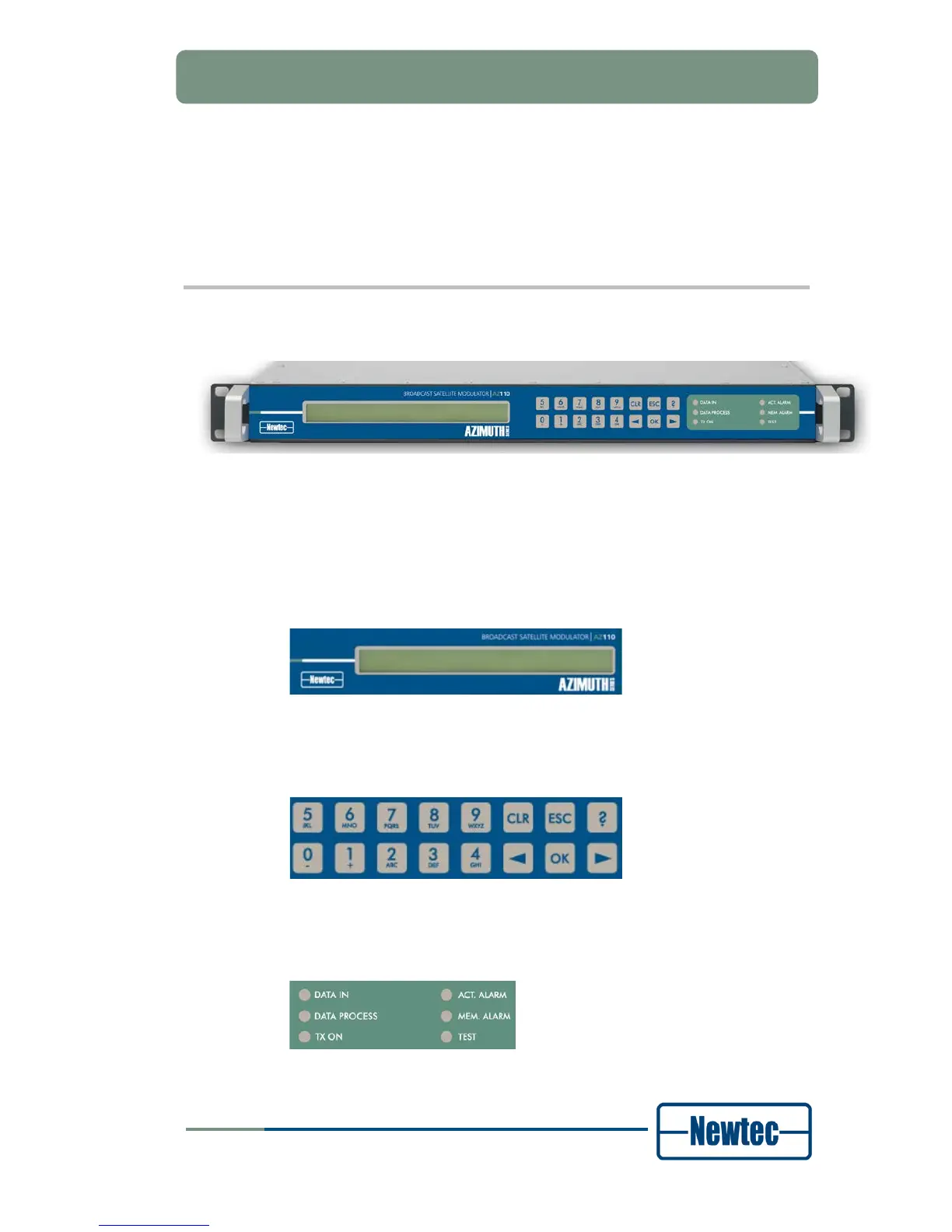
3.1 Front Panel Description
Figure 2- Front Panel of the AZ 110 Broadcast Satellite Modulator
The device can be configured, controlled and monitored using the front panel. The
front panel consists out of the following parts.
• Display:
The display consists of a 2 x 40 characters LCD screen. The top row indicates
the path in the menu structure while the bottom row displays the selected item.
Figure 3 – Display
• Keypad:
The keypad consists out of 16 keys. Use them to navigate in the menus and
change parameters.
Figure 4 - Keypad
• LEDs :
The LEDs provide a basic status overview of the device.
Figure 5 - Status LEDs



 To Next Page