SHAPING THE FUTURE SATELLITE OF COMMUNICATIONS
The alarm window contains the following information and controls (refer to Figure
23):
Area No. Description
1 This area displays the alarm name.
2 This area displays the number of times an alarm was generated
since it was last cleared.
3 This area contains drop-down list boxes in which you can select a
filter to apply.
You can filter on the alarm activity:
• Active & Memorized alarms;
• Masked & Forced alarms;
• All Alarms;
4 Clear the number of times an alarm was generated since it was last
cleared. Active alarms can be cleared but the counter will still
show one.
Table 7 – Alarm window areas
6.3.4 Function Control Window
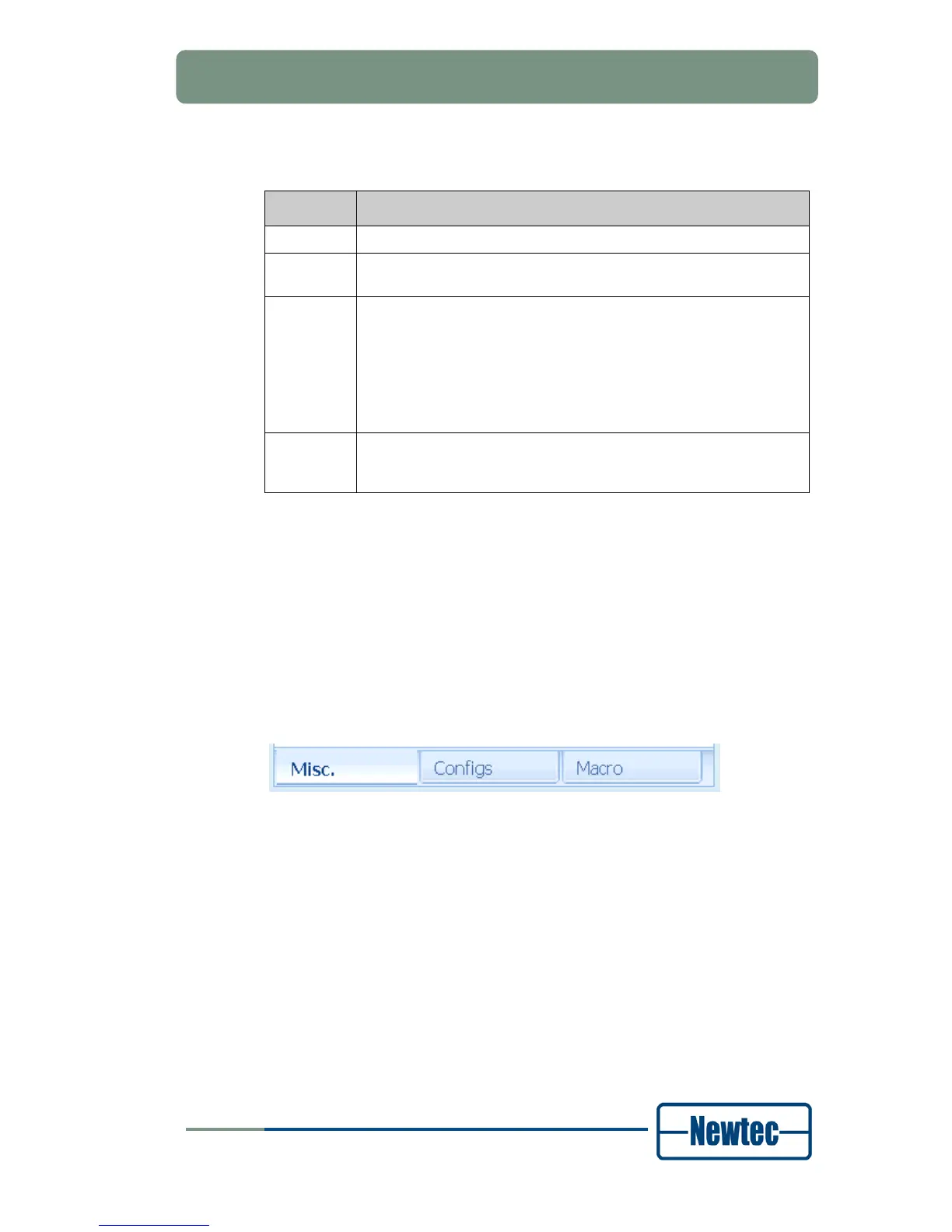
The function control window contains three tabs:
• Miscellaneous (Misc.);
• Configs;
• Macro.
Figure 24 –Tabs Function Control Window



 To Next Page