SHAPING THE FUTURE SATELLITE OF COMMUNICATIONS
6.3.4.2 Configuration Tab
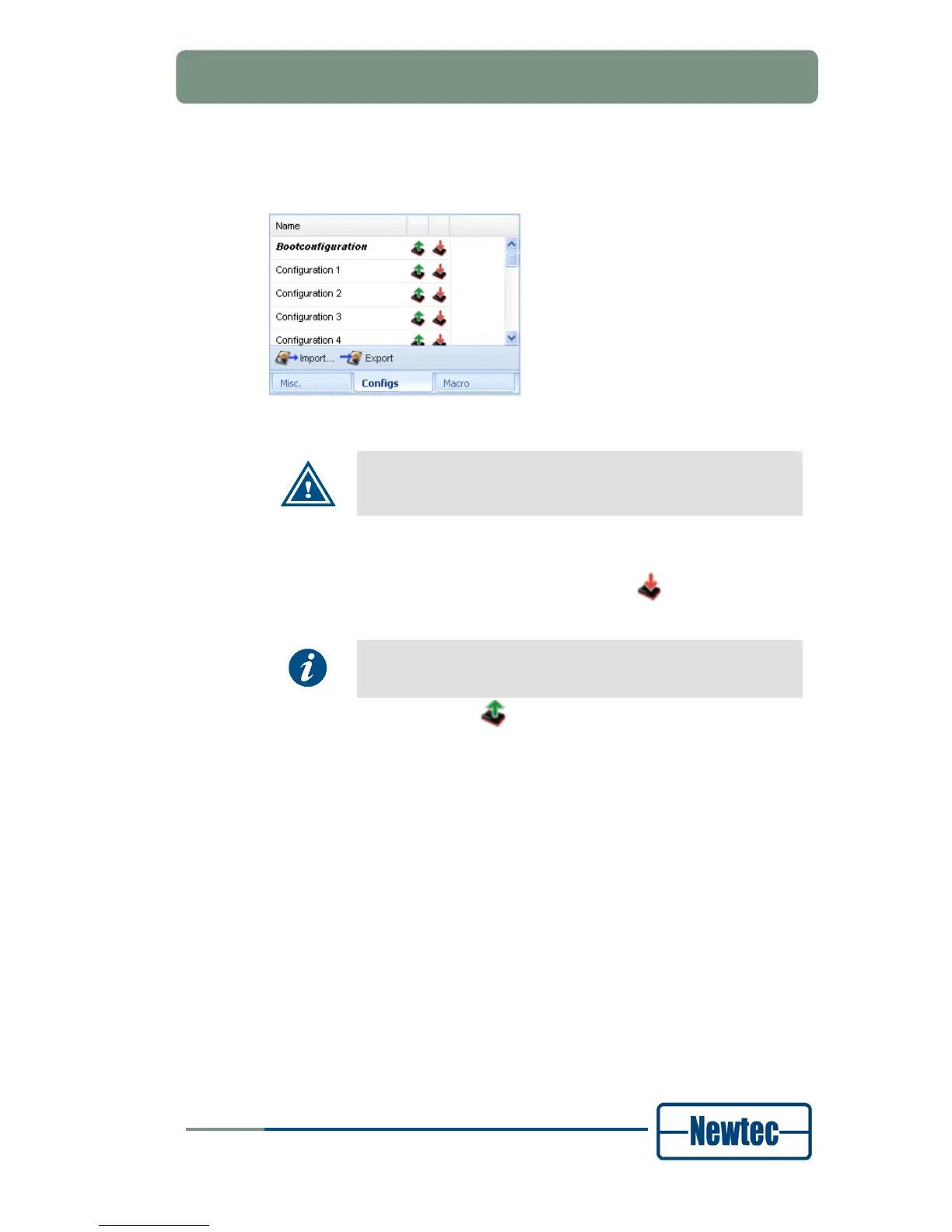
Figure 26 - Configuration Function Controls Tab
After power up the boot configuration (the first configuration) is
loaded on the device..
The icons behind the configuration names support to:
• Save the current configuration to persistent memory (
). We refer also to the
example;
If a configuration is not saved to persistent memory it will be lost
when the device powers down.
• Load a stored configuration ( );
The Import and Export buttons below the list of different configurations support to:
• Import configurations from a “.cfg” file from the local PC. Refer to paragraph
6.4.7;
• Export all saved configurations to a “.cfg” file to a local PC.
It is possible to Edit the name of an existing configuration by double clicking on the
configuration name that must be renamed.
Example:
Suppose to save the current configuration of the device under the third
configuration slot as Newtec_example.
1. Click the Configuration tab;
2. Click the Save button next to the third configuration slot;
3. Double-click the Name field of the third configuration slot. You can now enter a
new name for the configuration;
4. Type Newtec_example and click outside the text field.



 To Next Page