EN 20
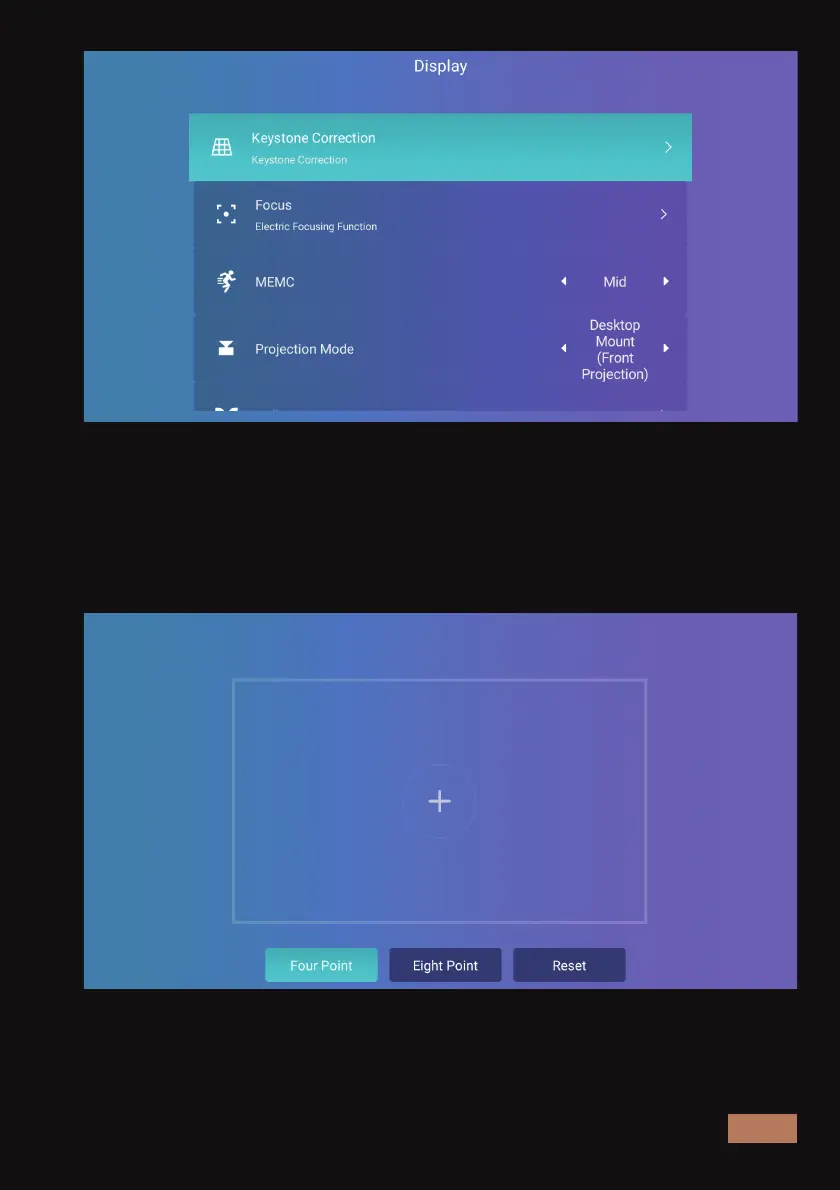
Choose the four-point or eight-point correction mode as shown below,
depending on the level of adjustment needed. Select the point to be
adjusted and press the OK button. After that, the direction symbol will
appear. Adjust the shape of the projection using the direction keys until
it appears correct, and press the OK button to save the adjustment.



 To Next Page