EN 39
AirPlay Instructions -
AirPlay is an application designed to share content between Apple iOS
devices and macOS devices, as well as with specialized third-party
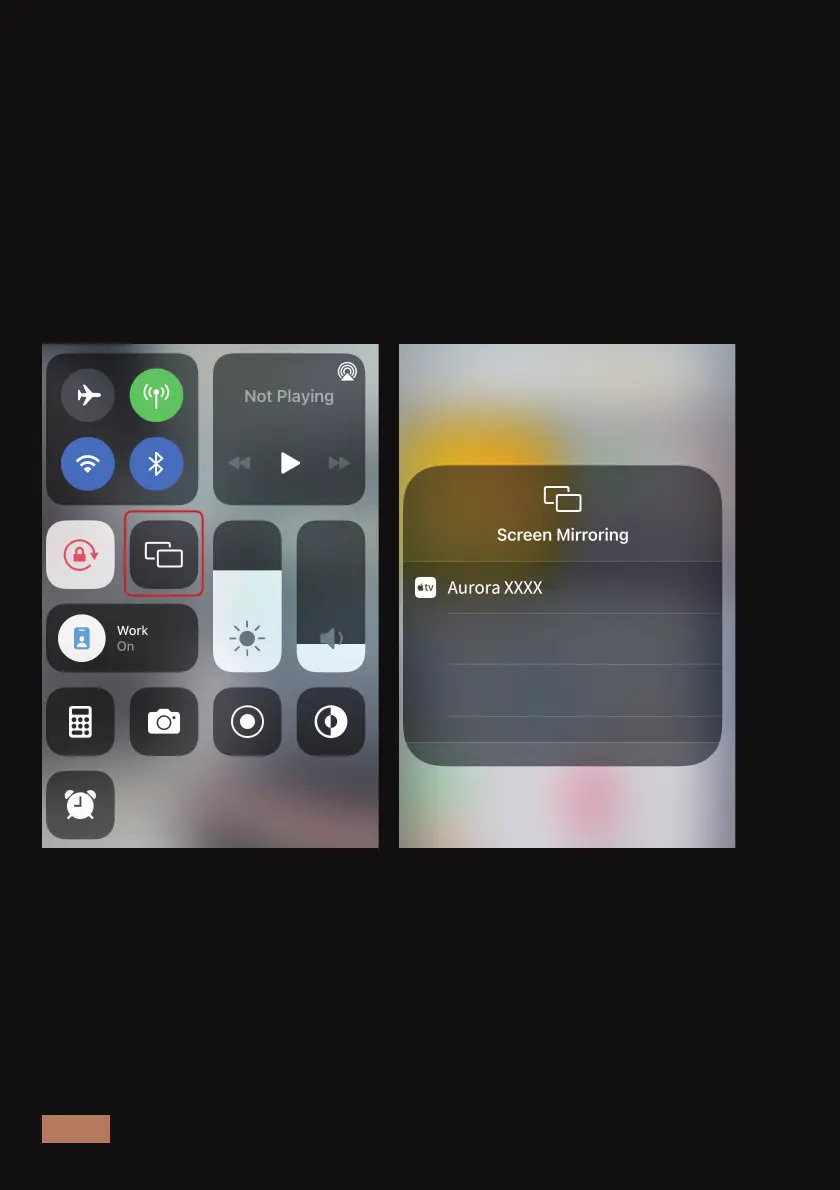
pieces of hardware. To set up this connection, we need to:
1. Make sure that your iOS device is connected to the same Wi-Fi
network as the Aurora Lite.
2. Go to your iOS device's System Settings and enable the AirPlay
function. Then, select "Aurora Pro XXXX" to establish the connection
from the list of available devices.
3. Your device is now connected.



 To Next Page