2.3 Preview Interface
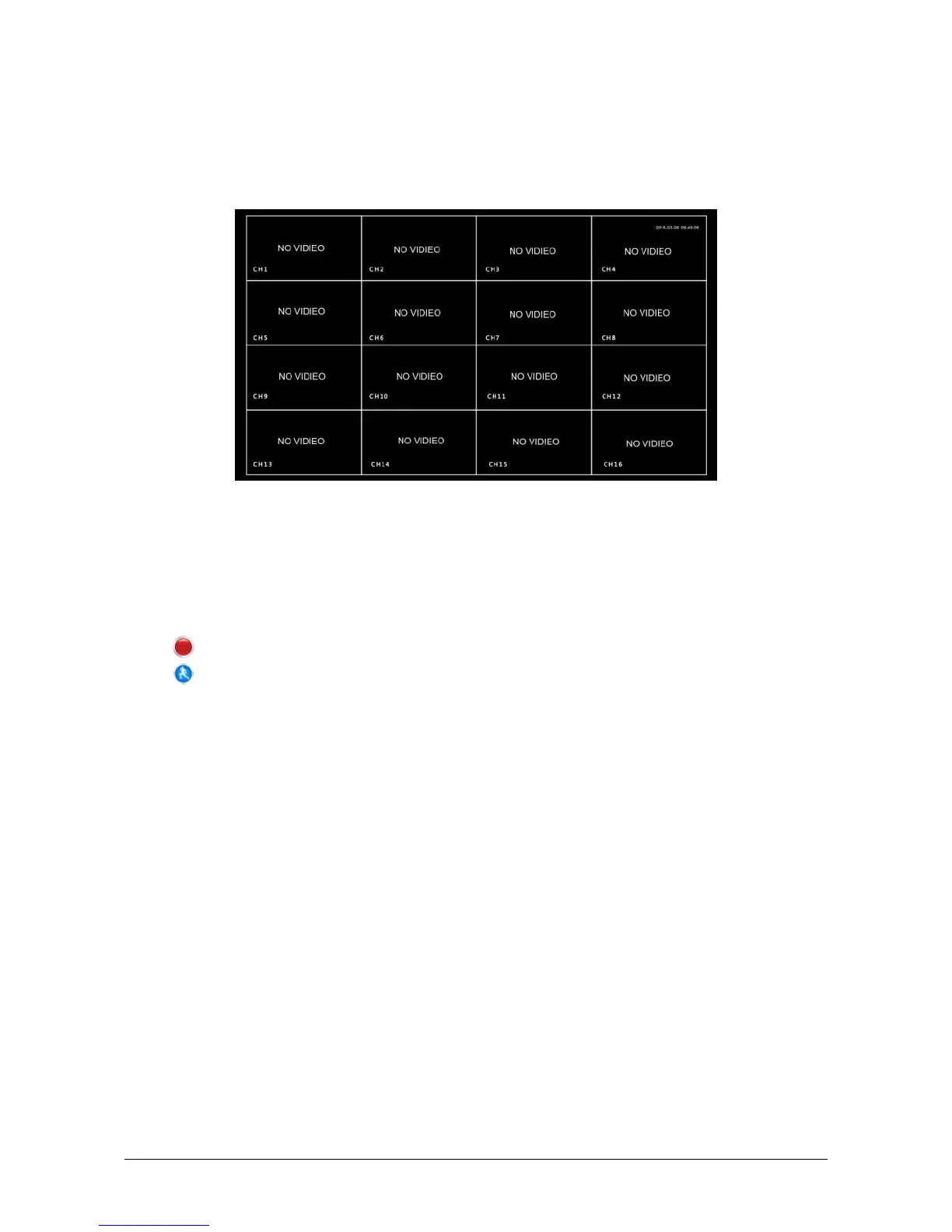
After the system is fully booted, it will enter into the default preview
interface, shown in Figure 2-9.
Figure 2-9
After the device normally starts up, the default setting is to preview in
multi-screen display mode. Products with different channels has different
amount of split screens to display. On the preview interface, you can set the
appropriate date and time. On the bottom left of the screen, it shows the
recording status of each video channel or alarm status icon.
: this icon means monitoring channel is recording;
: this icon means monitoring channel is in motion detection.



 To Next Page