3.4.2 Log
3.4.2.1 Log Information
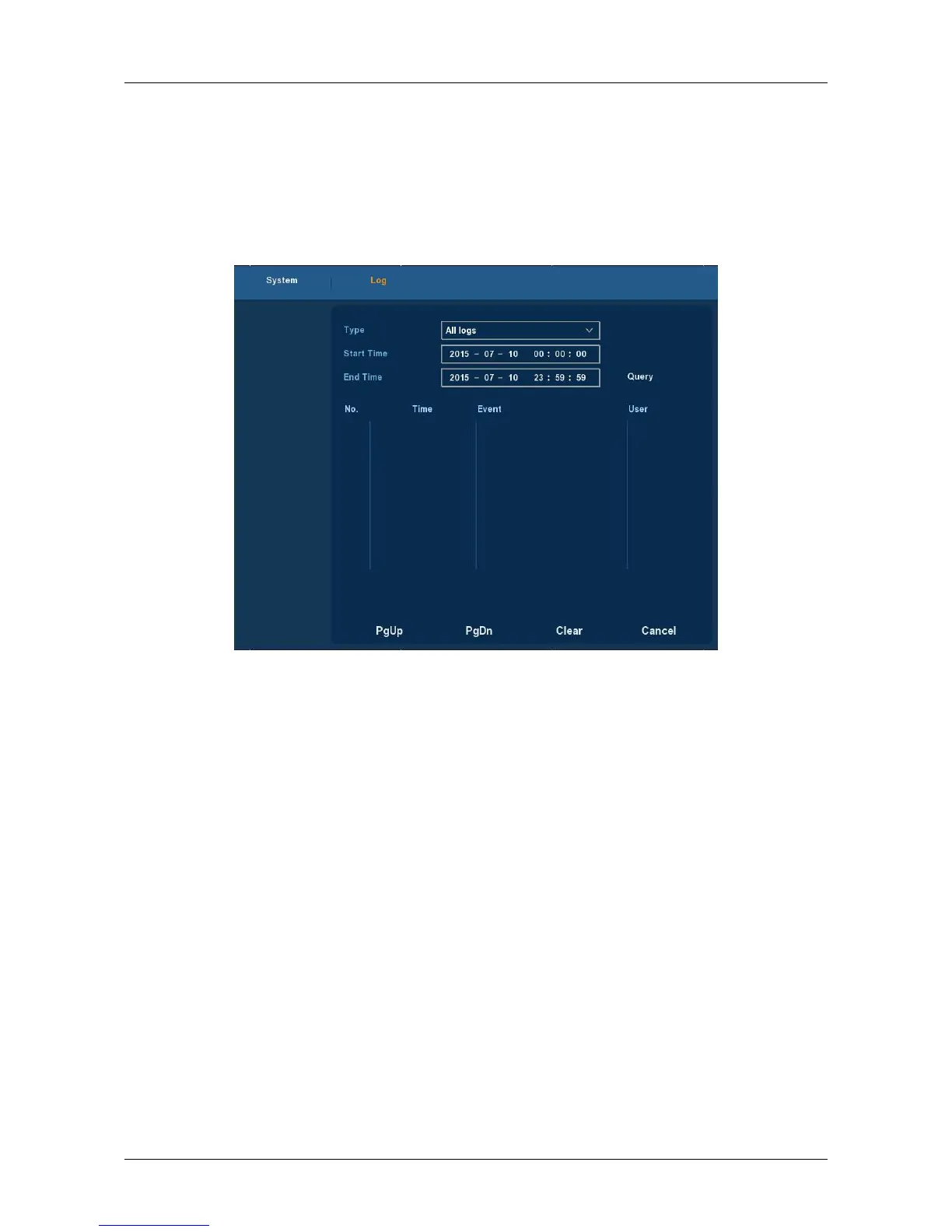
Choose ”Menu→Info→Log” in the Menu interface, the Channel Name
interface is displayed. Here is for you to view system log file, as Figure 3-12
shows.
Figure 3-12
Viewing System Logs to access the logs and search for these events on one
day a certain period of time.
Type: Select the type of information you request.
Start Time/End Time: Enter the time to find the logs.
Search: Search for logs according to criteria.
PgUp/PgDn: You can view all logs through the PgUp/PgDn.
Clear: Clear all information.
Cancel: Return to the former menu.
Specific Steps: Enter the log search menu, set search parameters, click
the Search button to begin search, If logs matching the search criteria are
found, it will be displayed in a list, To view all logs through PgUp/PgDn
button.



 To Next Page