3.3.2 Shutdown
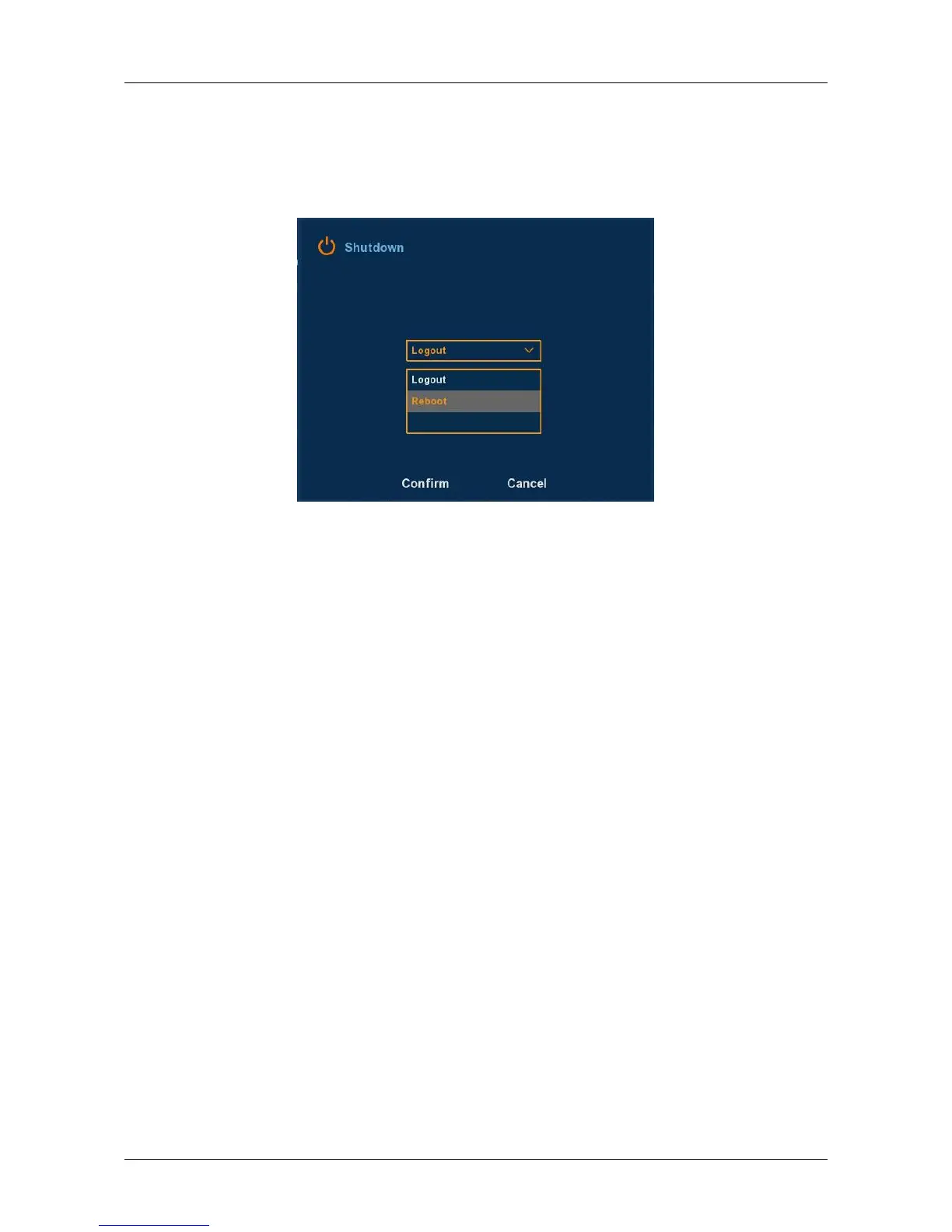
Click “Shutdown” icon in the main menu, switch to interface as .
Therefore, the system can be logout, reboot, and shut down, as followed
Figure 3-9 shows.
Figure 3-9
Logout: Logout the current user, switch to user login interface.
Reboot: Reboot the device.
Shut down: Shut down the device, just like computer safe shutdown
mode.



 To Next Page