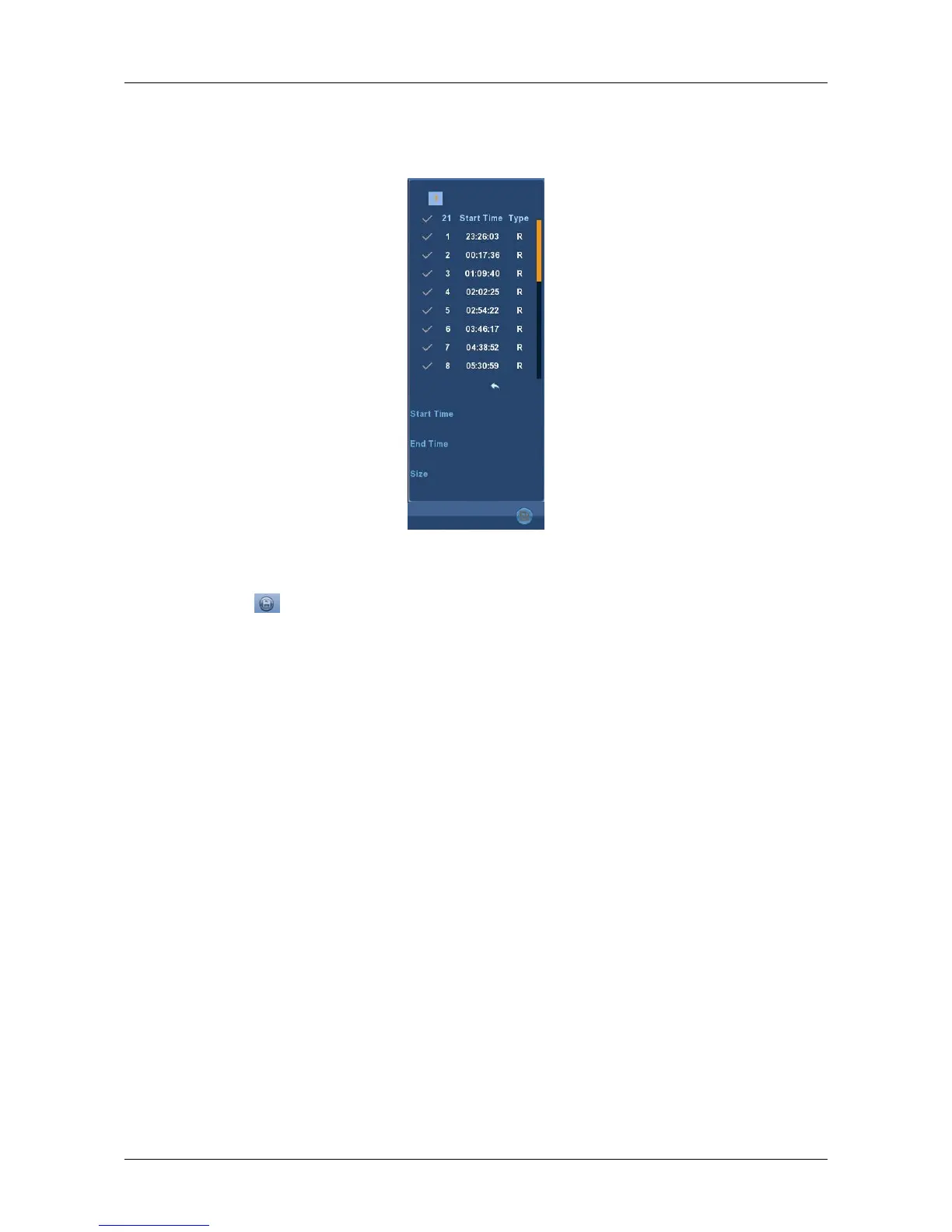
In the file list bar, you can see the start time of the video file, video type,
select a video file, you can view the video of recording start time, end time
and file size, as shown in Figure 3-8.
Figure 3-8
In the file list box, click to choose the video file showed icon “√”, then
click this icon to backup the video files (external U disk), the files are “avi”
format. You could also click to choose multiple video files selection box to
backup those video files, users can also cancel this icon “√” in the backup
operation menu in the file list box, delate those video files that unwanted.



 To Next Page