2.4 Quick adding function
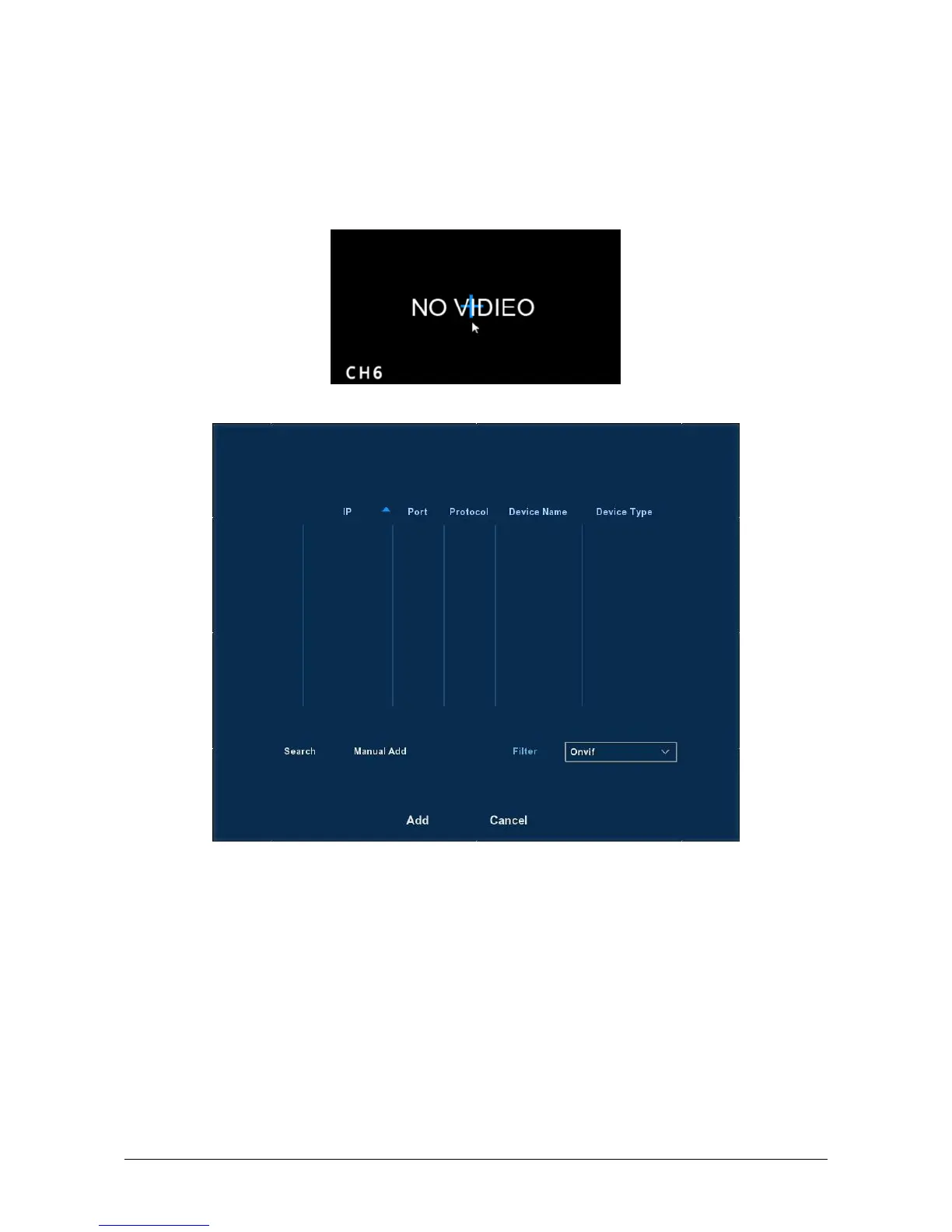
At the preview menu, for the channel of unconnected IP Camera, you
can quickly click the “+” icon to add the camera device when your mouse
move to the middle of the channel menu. As shown in Figure 2-11 and 2-12.
Figure 2-10
Figure 2-11
Device search: Search the IP address of the IPC client device.
Manual Add: please referring to Manual Add in section 5.3.4.1.
Filter: Filter the display of the searched device list.
Add: Click “search”, the NVR can search the IPC device which support
the onvif protocol in the same LAN(local area network), the searched
IPC devices can be displayed at the list. And select any IPC device in
the list, click “Add”, the selected IPC information can be automated
add to the particular channel, then click “Save” to complete.
Cancel: Return to the previous menu.



 To Next Page