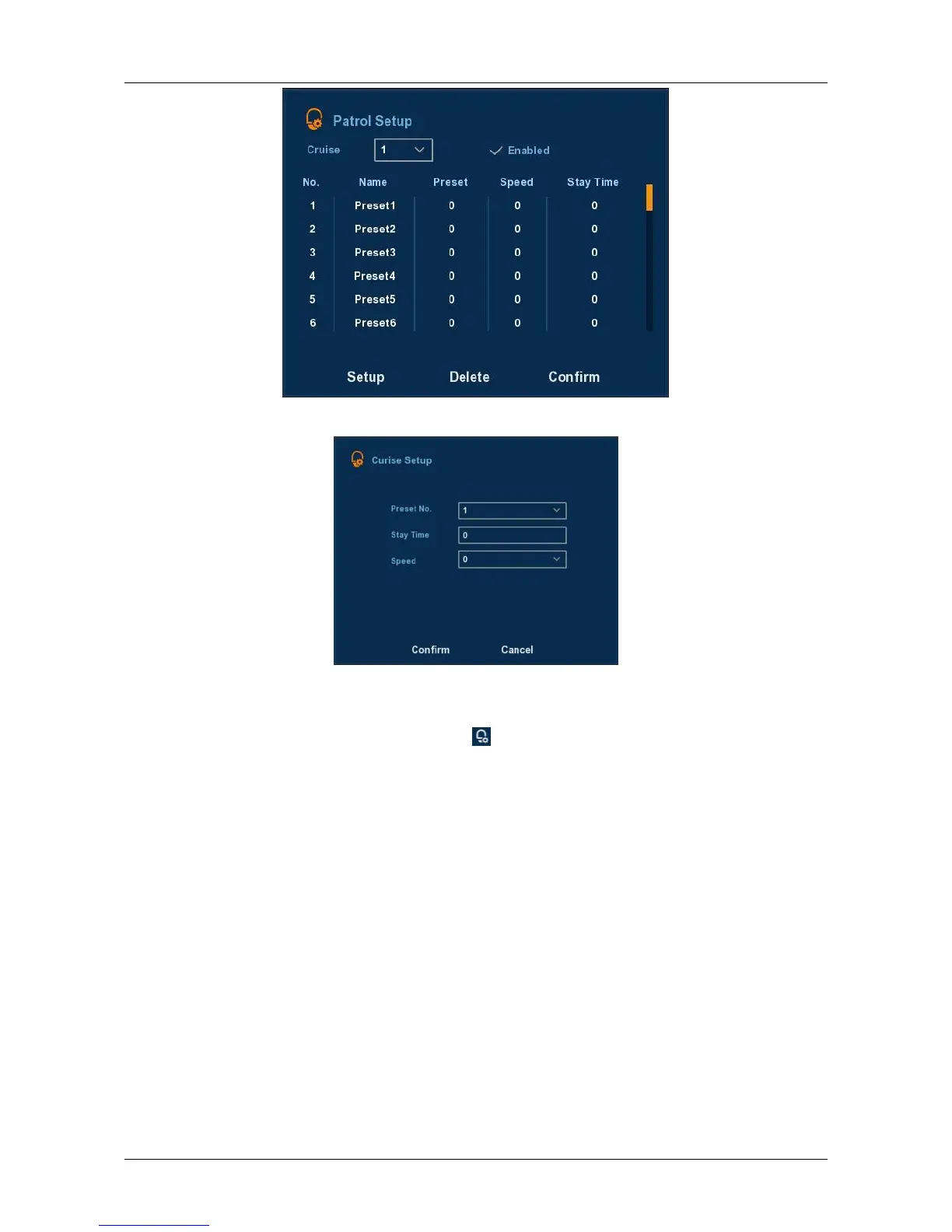
Figure 3-3
Figure 3-4
Set the preset position: Turn the camera direction buttons to the
desired location, and then click , select cruise group, double-click to
set the preset in the pop-preset settings interface to select the preset
number, Stay time (seconds ) and cruising speed, return Patrol Setup
interface and click "OK" again to save.
Enabled: Start patrol, and patrol in fixed path.
Stay Time: Stay time on the Preset.
Patrol speed: Speed for Cruise.
Notice: the NVR supports maximum 128 preset point, however, it is also
affected by the PTZ Camera itself, for different PTZ Camera, the number of
preset point supported could vary a lot.



 To Next Page