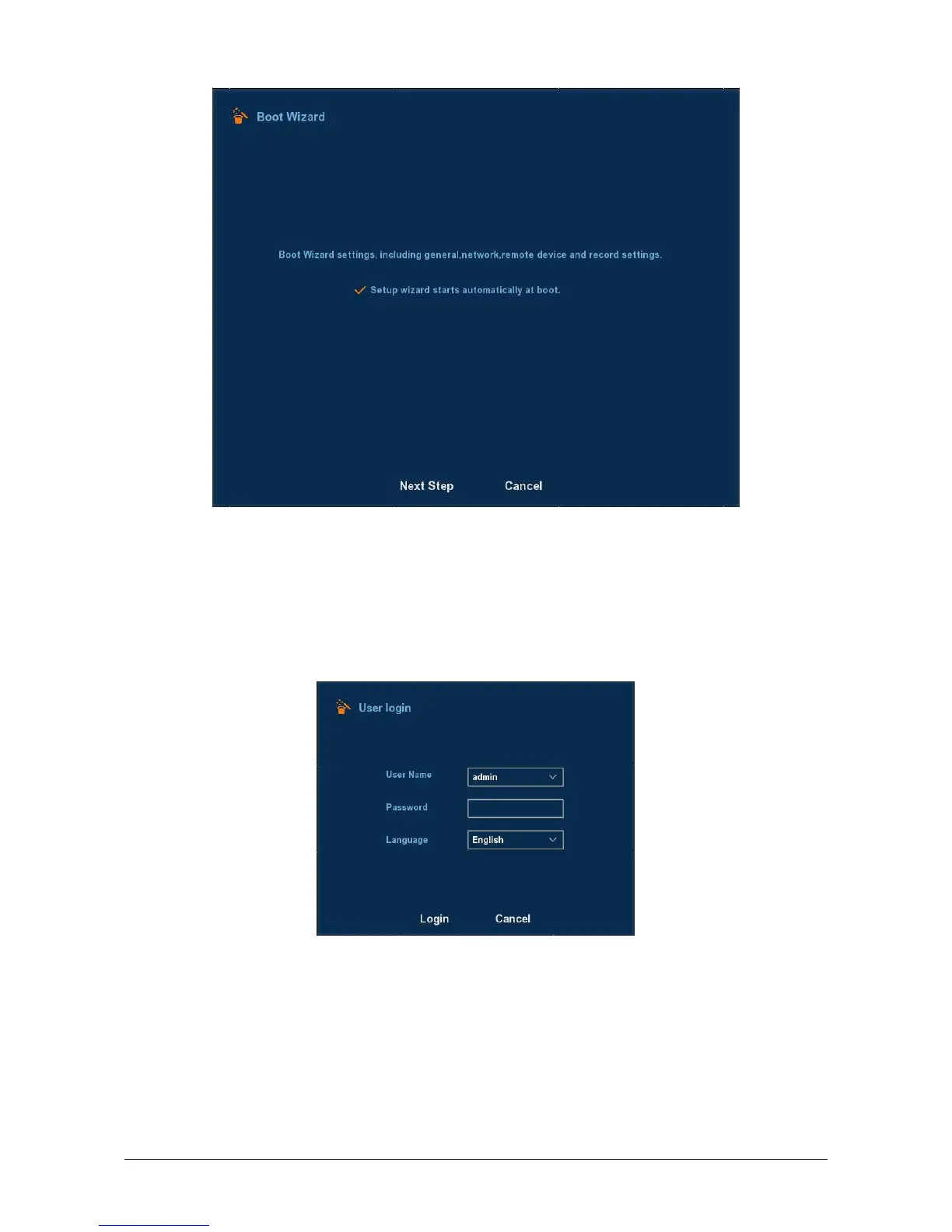
Figure 2-2
Click Next button, system goes to login interface. Then select a user
name, enter the user password, select the system language. Scroll down by
using the scroll wheel on the mouse for further languages in the language
box, and click on the login button to login the system (the default username
is admin, password is 12345). See Figure 2-3.
Figure 2-3. Please notice to scroll on mouse to see more languages.
After logging in, you can go to Common interface, the basic
configuration of the device can be set. See Figure 2-4. For detailed
information, please refer to chapter 3.3.3.1.



 To Next Page