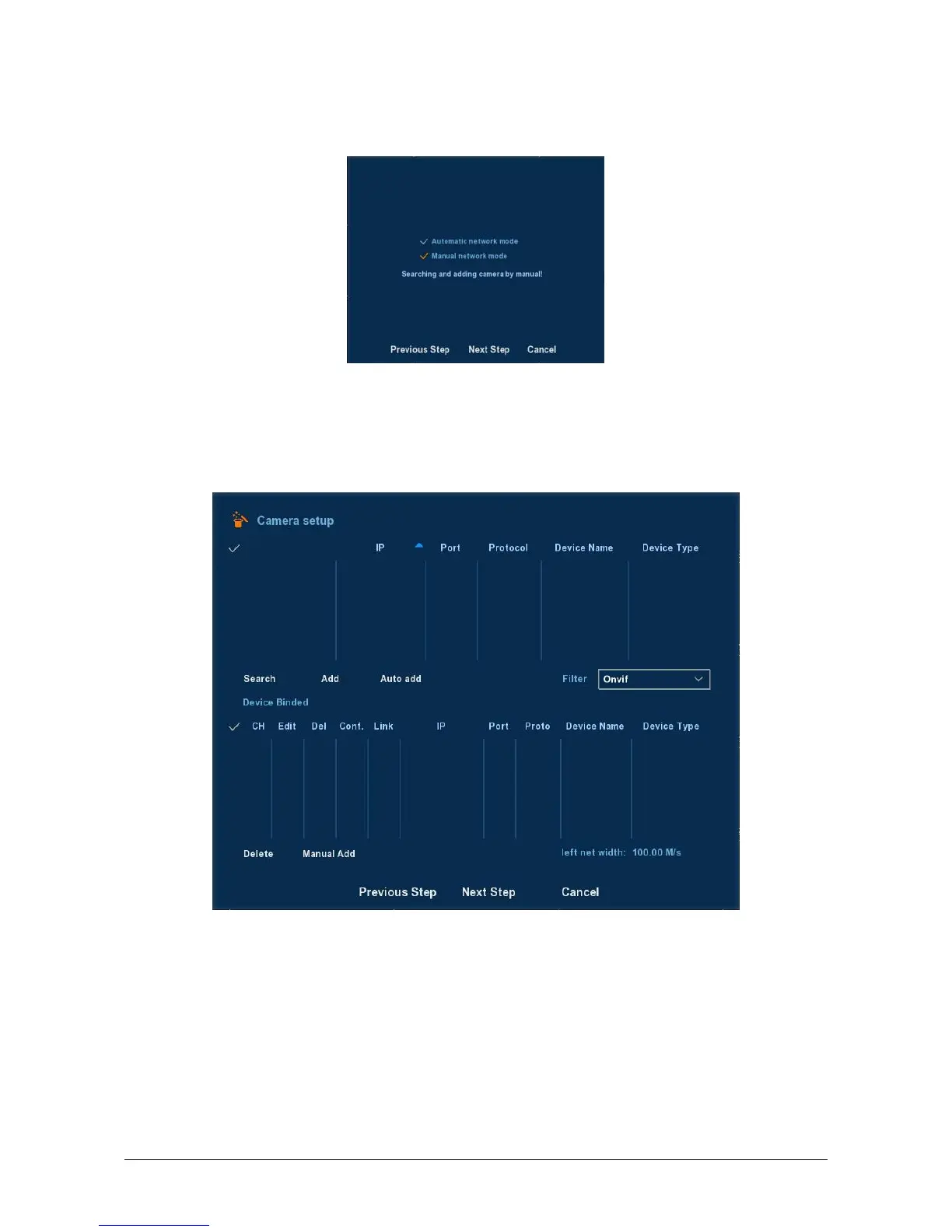
Click Next button, you can go to Mode Selection interface, and you
can choose Automatic network mode or Manual mode. See Figure 2-6.
Figure 2-6
Click Next button, you can go to Remote Device interface, You can
search for and add the IPC devices. See Figure 2-7. For detailed information,
please refer to chapter 3.3.4.
Figure 2-7
Click Next button, you can go to Rec Setup interface, You can
configure the record schedule. See Figure 2-8. For detailed information,
please refer to chapter 3.3.3.3.



 To Next Page