167
Using the Menu
The Setup Menu
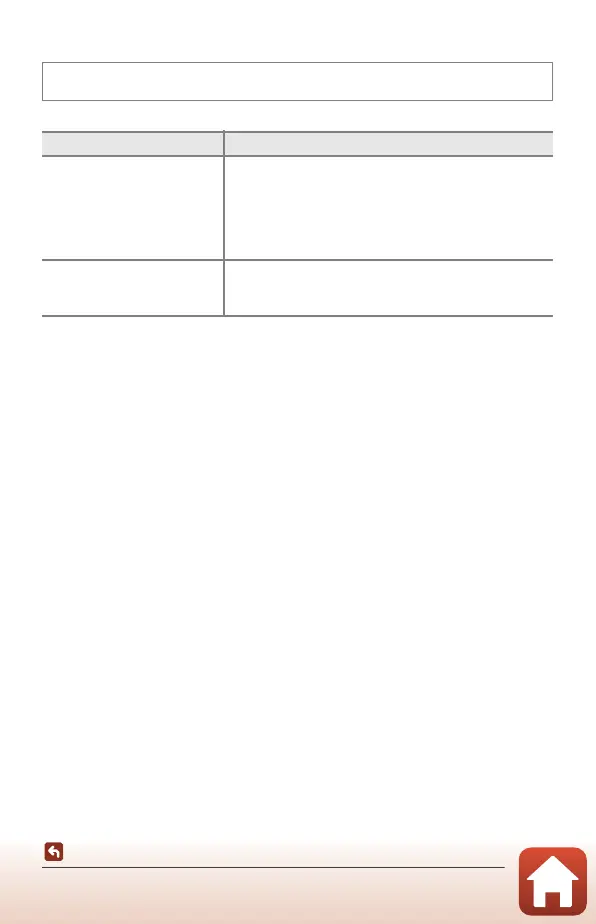
Self-timer: After Release
Set whether to cancel the self-timer after using it to shoot (A61).
Press the d button M z menu icon M Self-timer: after release M k button
Option Description
o Exit self-timer mode
(default setting)
The self-timer is canceled after shooting.
• After shooting in Multiple exp. Lighten scene mode,
self-timer is not canceled. To end self-timer, manually
set the self-timer setting to k.
• Pet portrait auto release and Smile timer are not
canceled.
k Stay in self-timer mode
The self-timer photography continues after shooting.
• When the camera is turned off, self-timer is canceled.
• Self-Collage is canceled.



 To Next Page
 Loading...











