71
Shooting Features
Using the Zoom
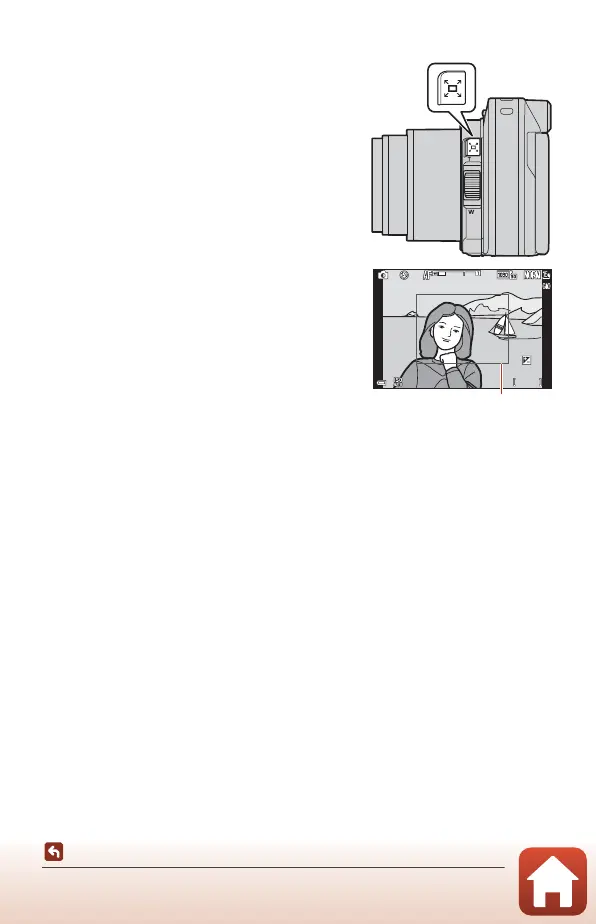
Using the Snap-back Zoom
If you lose sight of the subject while shooting with
the lens in telephoto position, press the q (snap-
back zoom) button to temporarily widen the visible
area (angle of view) so that you can frame the
subject more easily.
• While pressing the q button, frame the subject
inside the framing border of the shooting
screen. To widen the visible area, move the
zoom control or side zoom control toward f
while pressing the q button.
• Release the q button to return to the original
zoom position.
• Snap-back zoom is not available during movie
recording.
F 3 .4F3.4 5 0 0500
2 5 m 0s25m 0s
0 . 00.0
1 0 0100
1 / 25 01/250
7 0 m m70mm



 To Next Page
 Loading...











