43
More on Photography
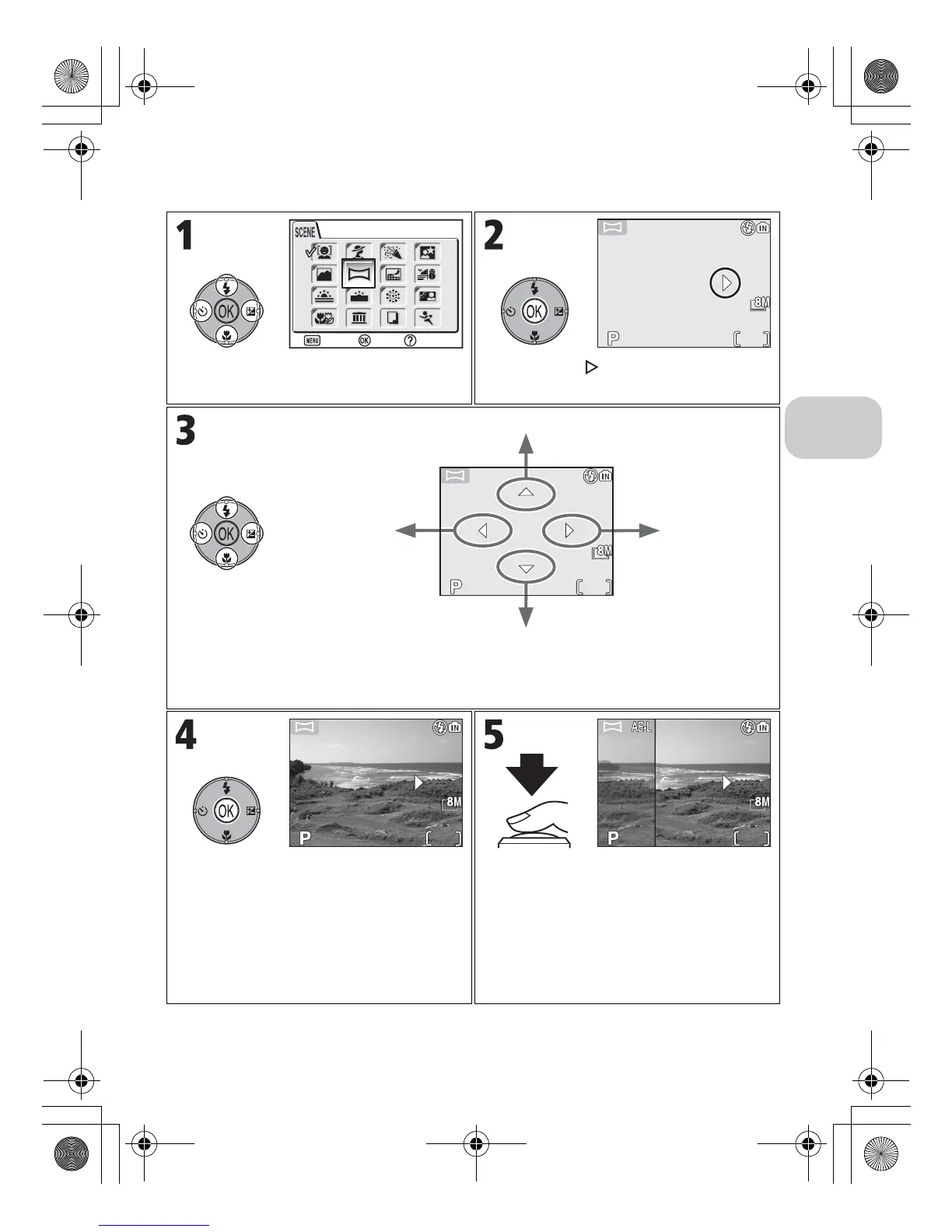
To use F PANORAMA ASSIST:
Select F (PANORAMA ASSIST) in Scene
menu.
Pan direction ( ) displayed in yellow.
Select how pictures will be joined together in completed panorama. This is the direc-
tion in which to pan the camera after each shot.
Make selection (to change selected pan
direction, press d again and repeat steps
3 and 4). Pan direction displayed in white.
Take first picture. G icon is displayed,
and white balance and exposure com-
pensation are locked. About one third of
picture is shown superimposed on view
through lens (if pan direction is left to
right, picture will appear on left side of
monitor).
PANORAMA ASSIST
Confirm
Exit Help















 To Next Page