96
Shooting Options: The Shooting Menu
Shooting, Playback, and Setup Menus
k AF Area Mode
Use this option to determine where the camera focuses.
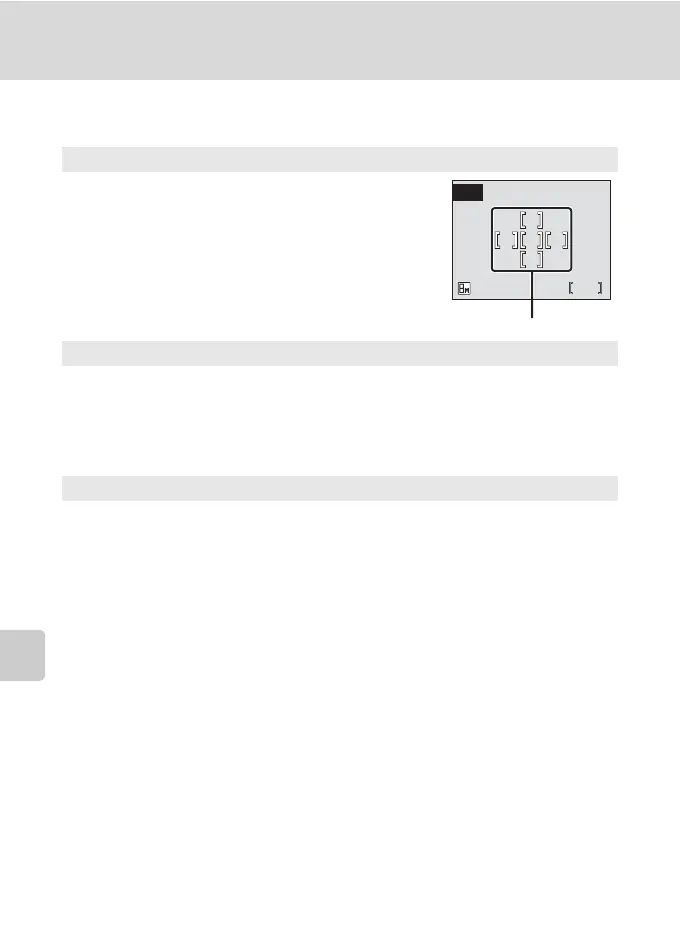
l Auto
Camera automatically selects the focus area (one
of five) containing the subject closest to the
camera. The selected focus area is displayed when
the shutter-release button is pressed halfway.
m Manual
Press the rotary multi selector G, H, I, or J to select from 99 focus areas
in the frame. Pictures can be taken while focus area selection screen is
displayed.
To end focus area selection and adjust the flash mode, macro mode, self-
timer, and exposure compensation settings, press d. To return to the focus
area selection screen, press d.
n Center (default setting)
Camera focuses on subject in center of frame.
Center focus area is used.
M
W
L
5
Focus areas



 To Next Page
 Loading...








