56
Viewing Pictures by Date
More on Playback
Using Calendar Mode and List by Date Mode
j Notes on Calendar Mode and List by Date Mode
• Only the most recent 9,000 pictures can be displayed in calendar mode or in list by date
mode. If a date includes the 9,001st picture, an asterisk [*] is displayed next to the number
of pictures for that date.
• Pictures taken with no date stamp are not listed in these modes.
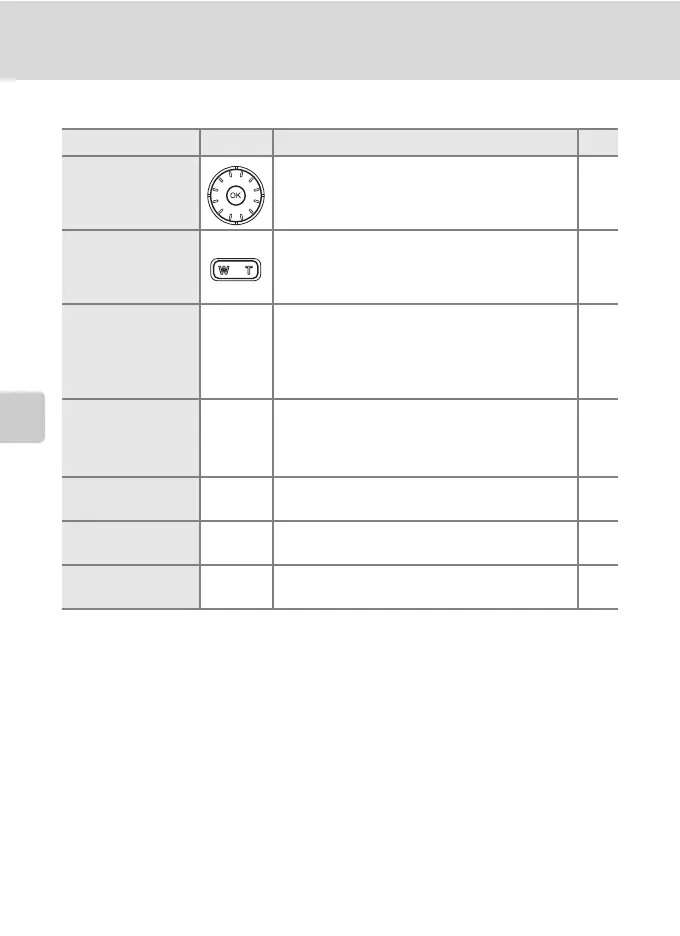
To Use Description c
Select date Use the rotary multi selector to select a date. –
Select month
(calendar mode
only)
Press t (j) to view previous month, press
v (k) to view following month.
–
Switch to full-
frame playback
d
Press d to display the first picture taken on
the selected date.
Press t (j) in full-frame playback to return
to the calendar or list by date mode selected
before viewing in full-frame playback.
29
Delete picture
T
Press T after selecting a date, and a
confirmation dialog will be displayed. Choose
[Yes] and press d to delete all pictures taken
on the selected date.
28
View calendar or
list by date menu
m
Press m to display the calendar or list by
date menu.
57
View playback
mode menu
C
Press C to display the playback-mode
selection menu.
10
Switch to
shooting mode
i
Press i to return to the last shooting mode
selected.
28



 To Next Page
 Loading...








